My Documents
My Documents
➢How to filter my files?
Step 1: Click the "More" button on the right side of My Documents.
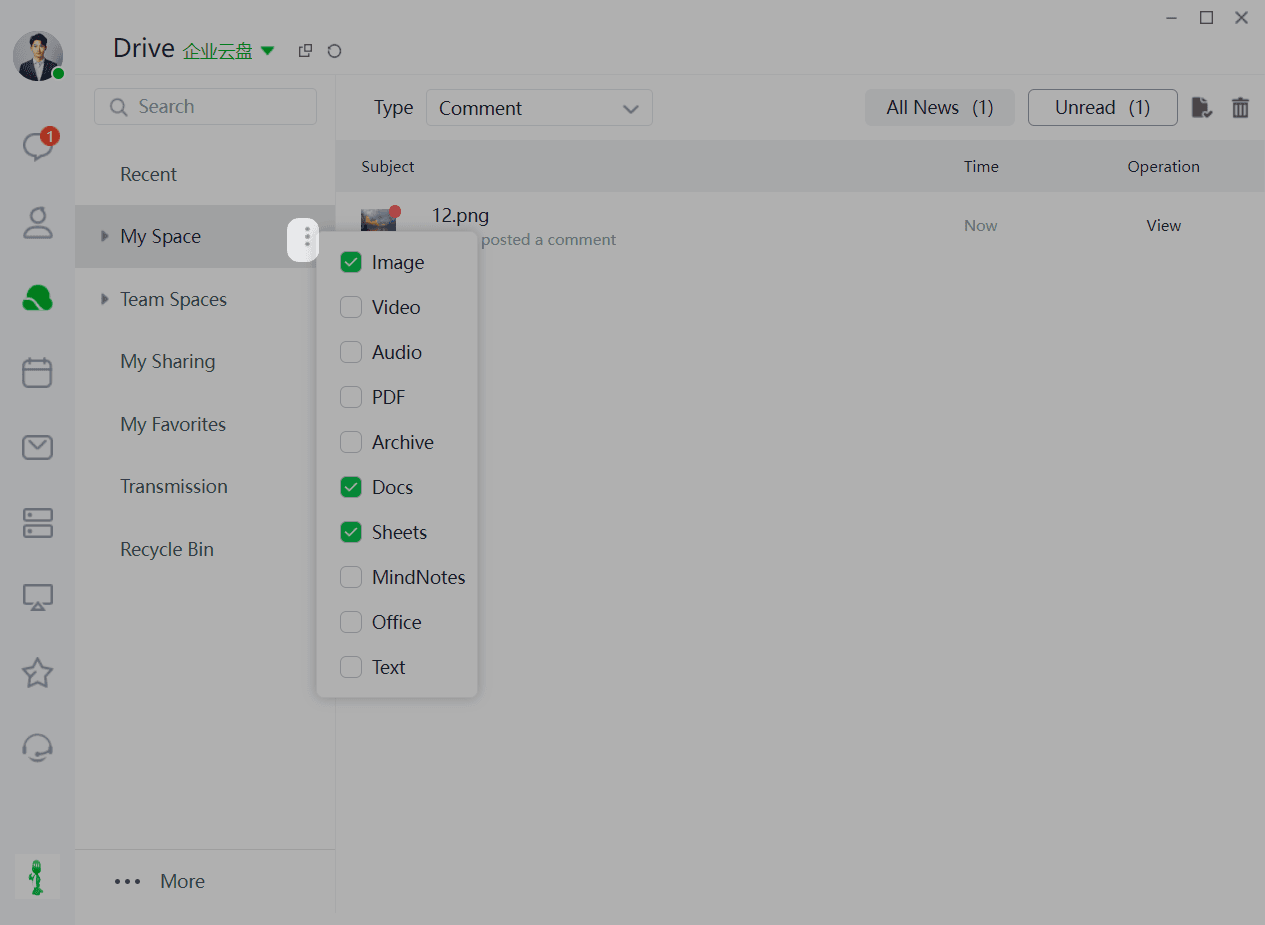
Step 2: Select the file type you want to filter.
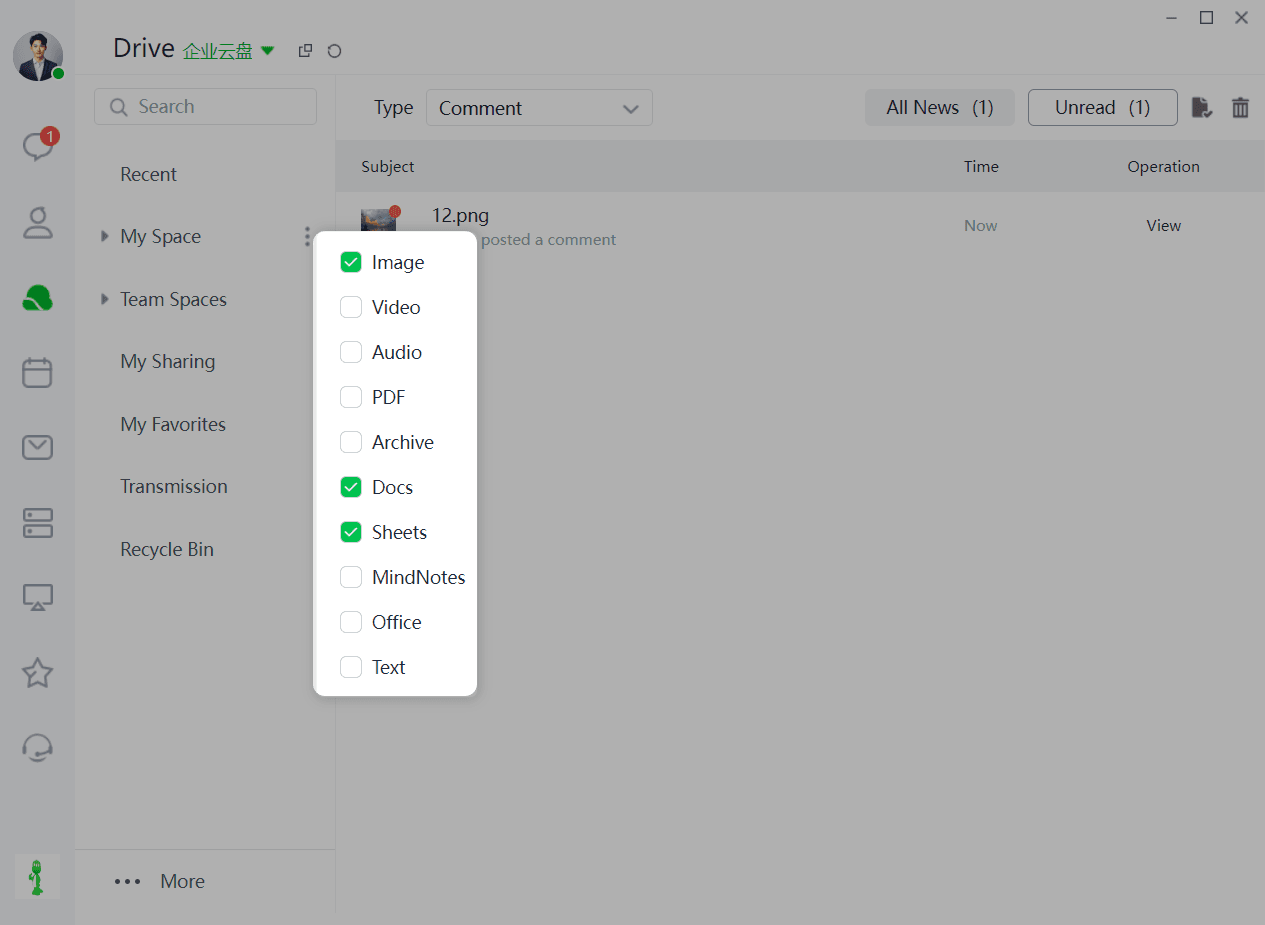
Step 3: Click the dropdown button.
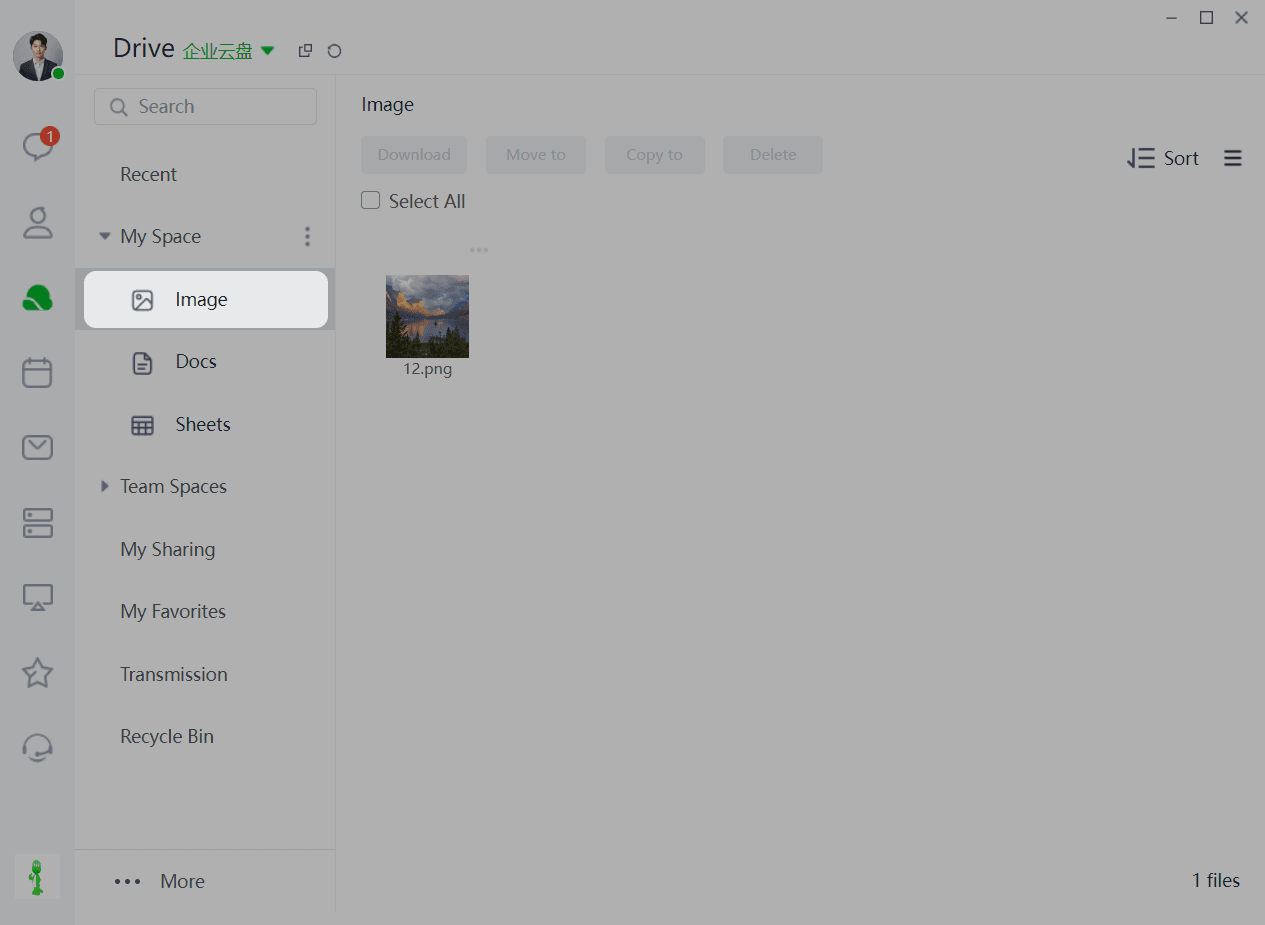
Step 4: View all files in My Documents.
➢How to upload files?
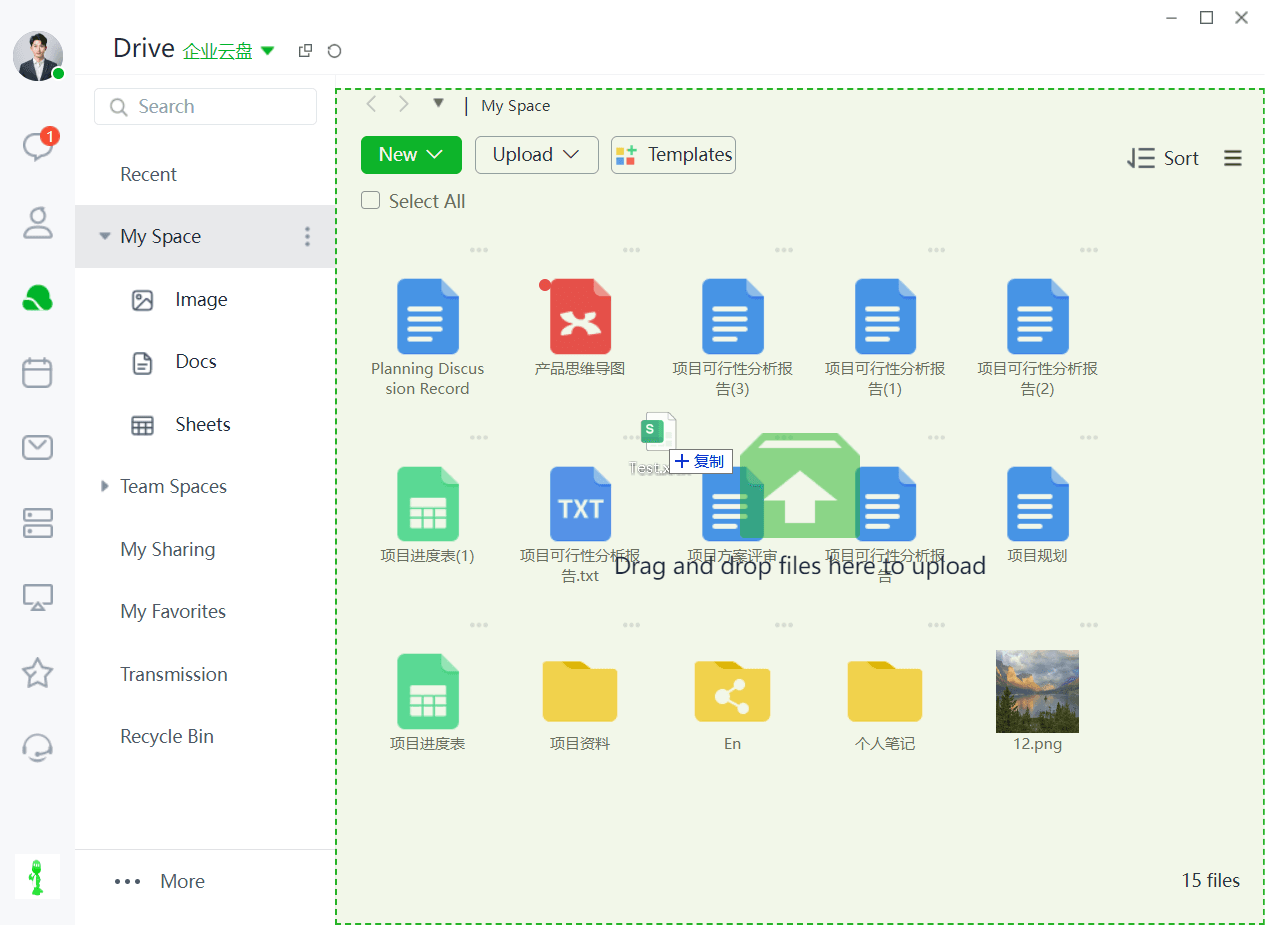
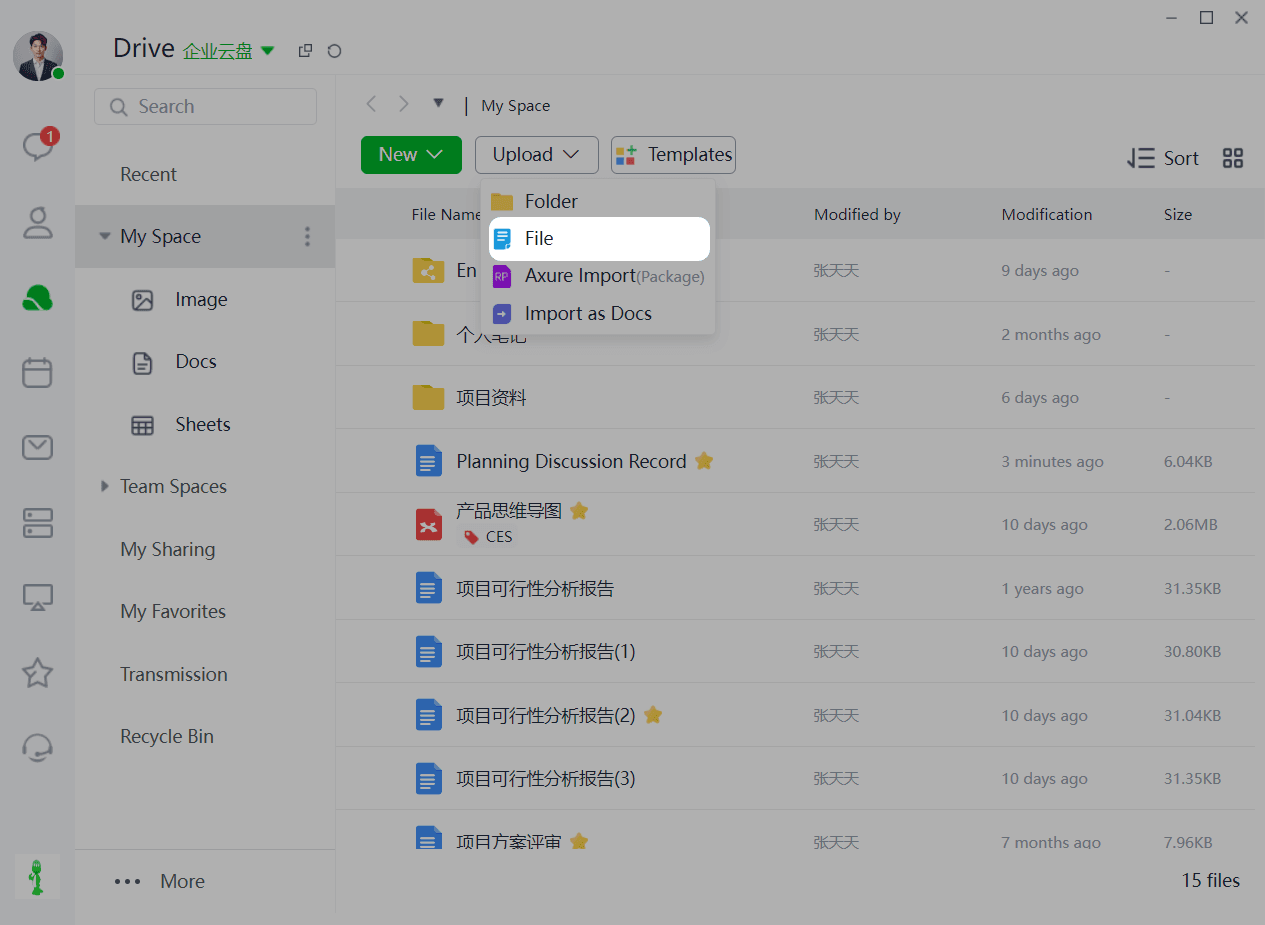
When you need to upload files or folders:
Method 1: Drag and drop the files (or folders) you want to upload directly into the corresponding directory using the PC client.
Method 2: Click the "Upload" button to upload files or folders.
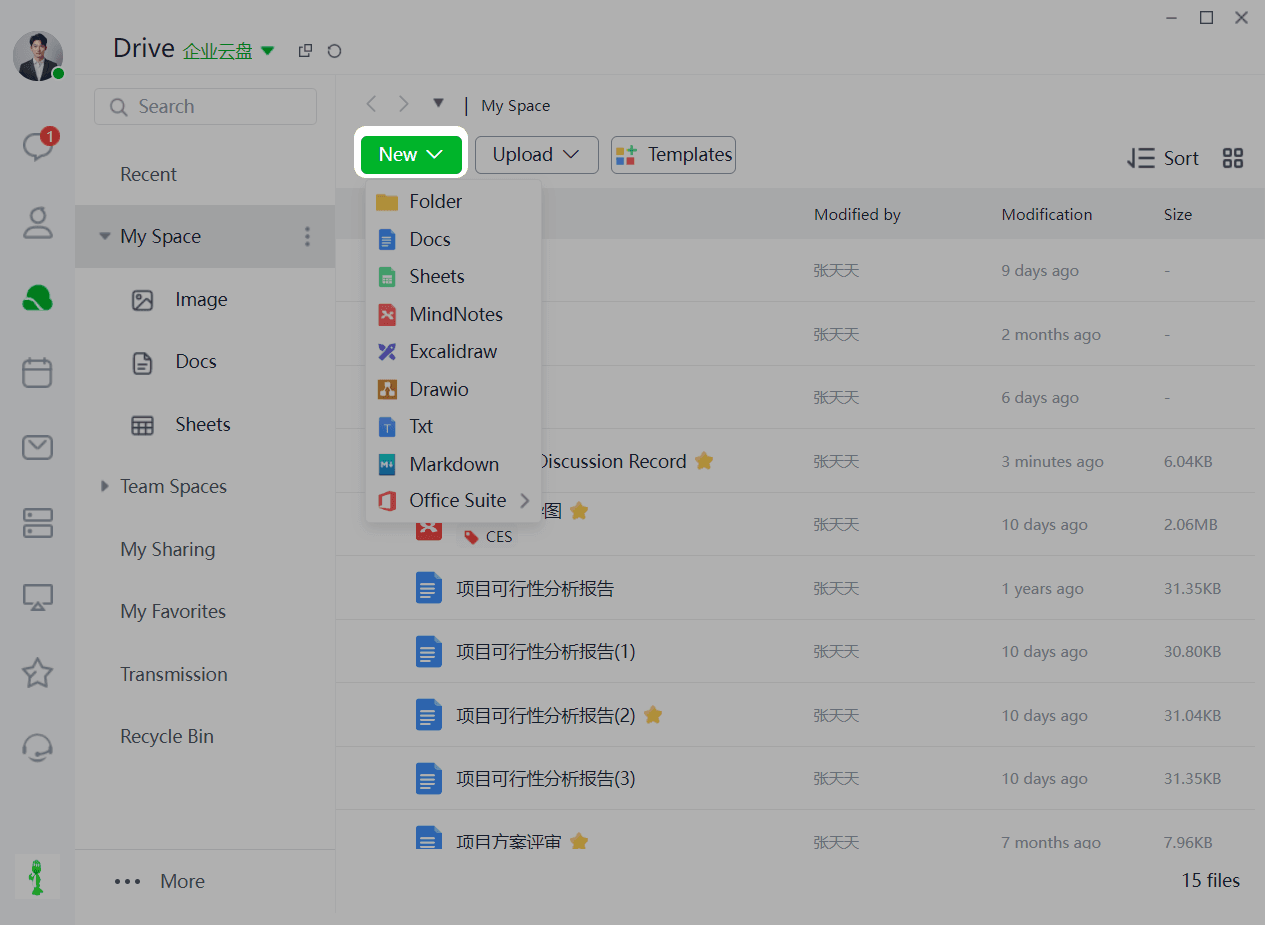
➢How to create files?
When you need to create new files (or folders):
Click "New" and select the type you want to create (supports: folders, online documents, online spreadsheets, online mind maps, online whiteboards, flowcharts, txt, md, Office suite, and other file formats).