BE-Enterprise Settings
Enterprise Settings
1.Enterprise Information
Function Introduction
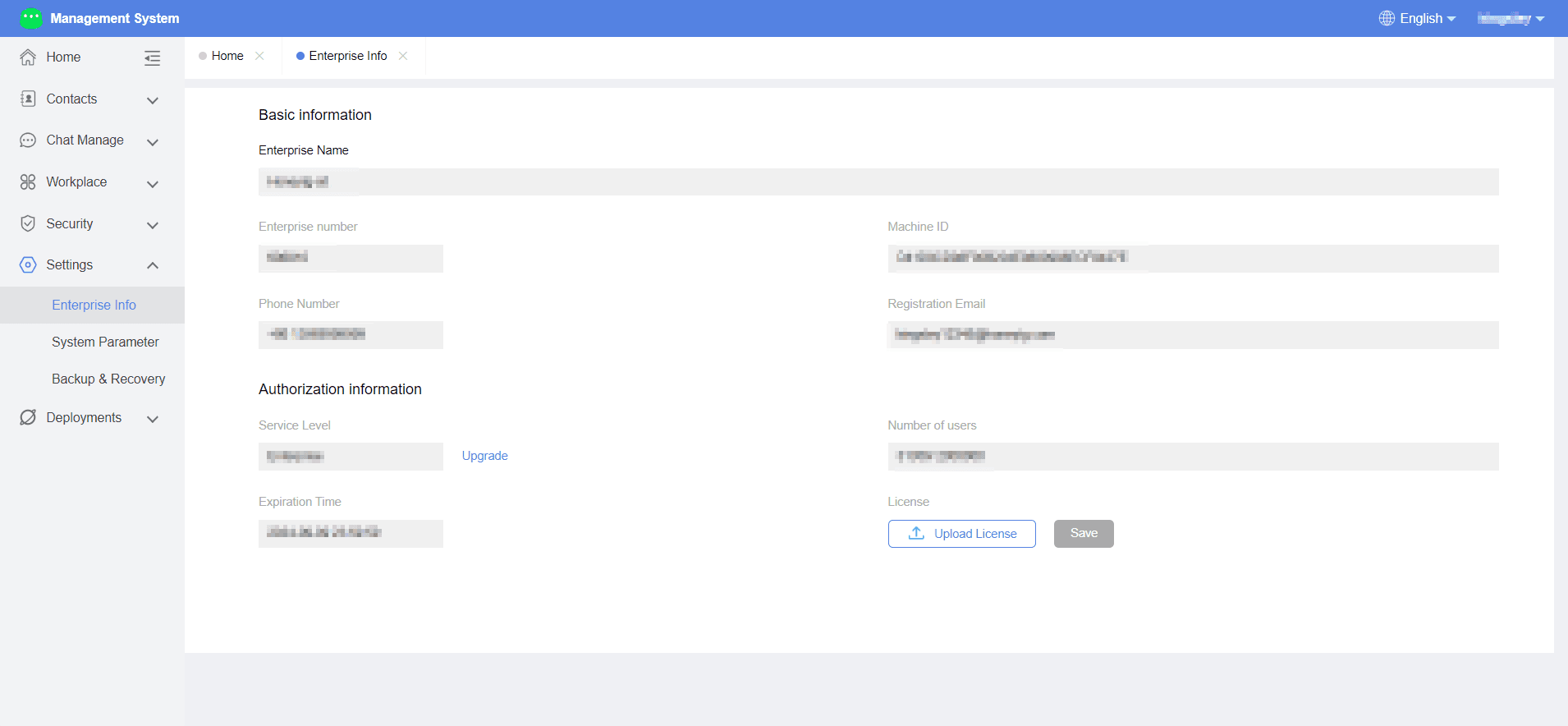
Administrators can view and set enterprise-related information here, including operations such as updating the license.
Operation Process
- Enter the Duli admin panel > Enterprise Settings > Enterprise Information.
2.System Parameters
Function Introduction
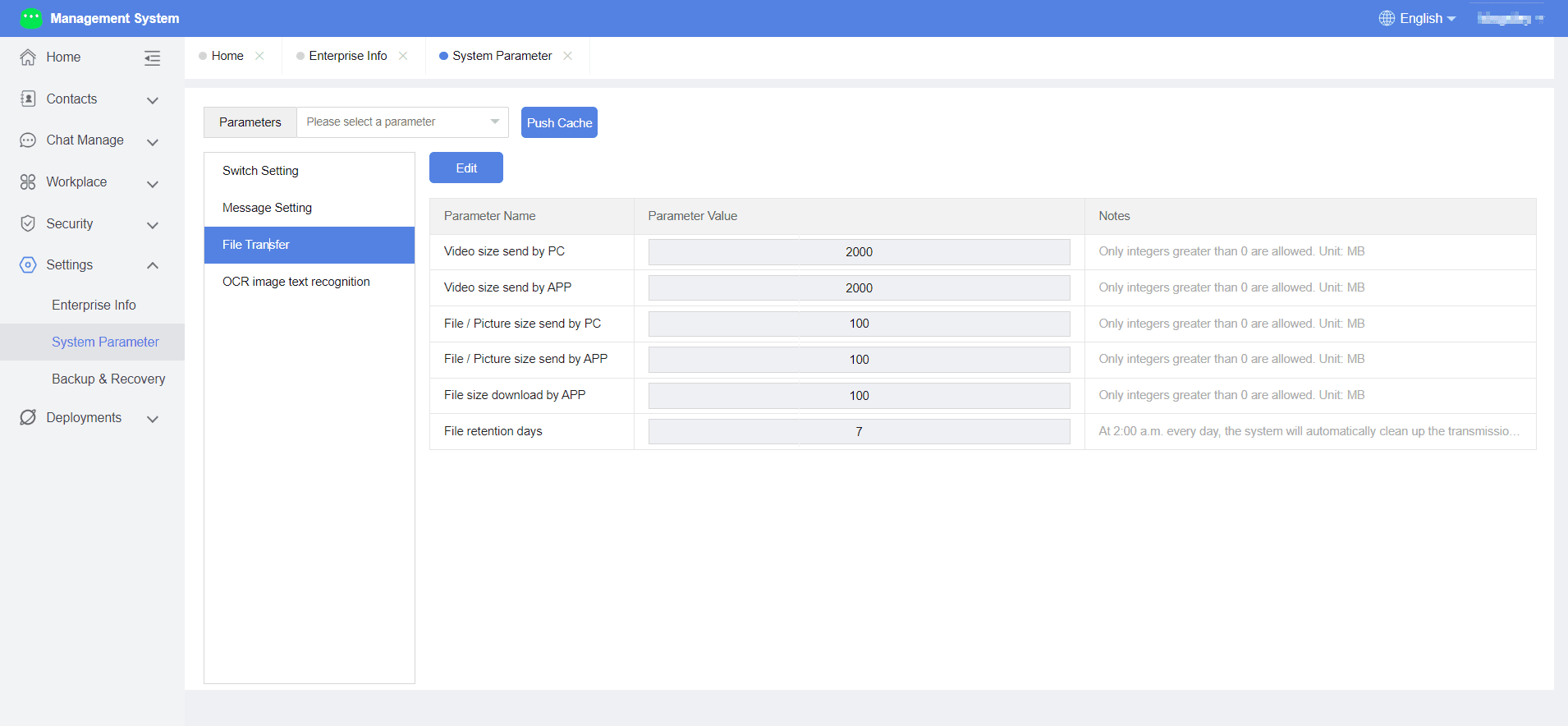
Administrators can configure corresponding DuliDuli system parameters here, including function switches, message logging settings, file transfer settings, audio/video calls, SMS gateway, OCR image-to-text recognition, etc.
Operation Process
- Enter the Duli admin panel > Enterprise Settings > System Parameters.
- Configure various parameters, including:
- Function switches: Device verification switch, frontend error reporting address, frontend PC error log switch, frontend Android error log switch, frontend iOS error log switch, interceptor device ID verification switch, group message recall switch, send location switch.
3.Backup & Restore
Function Introduction
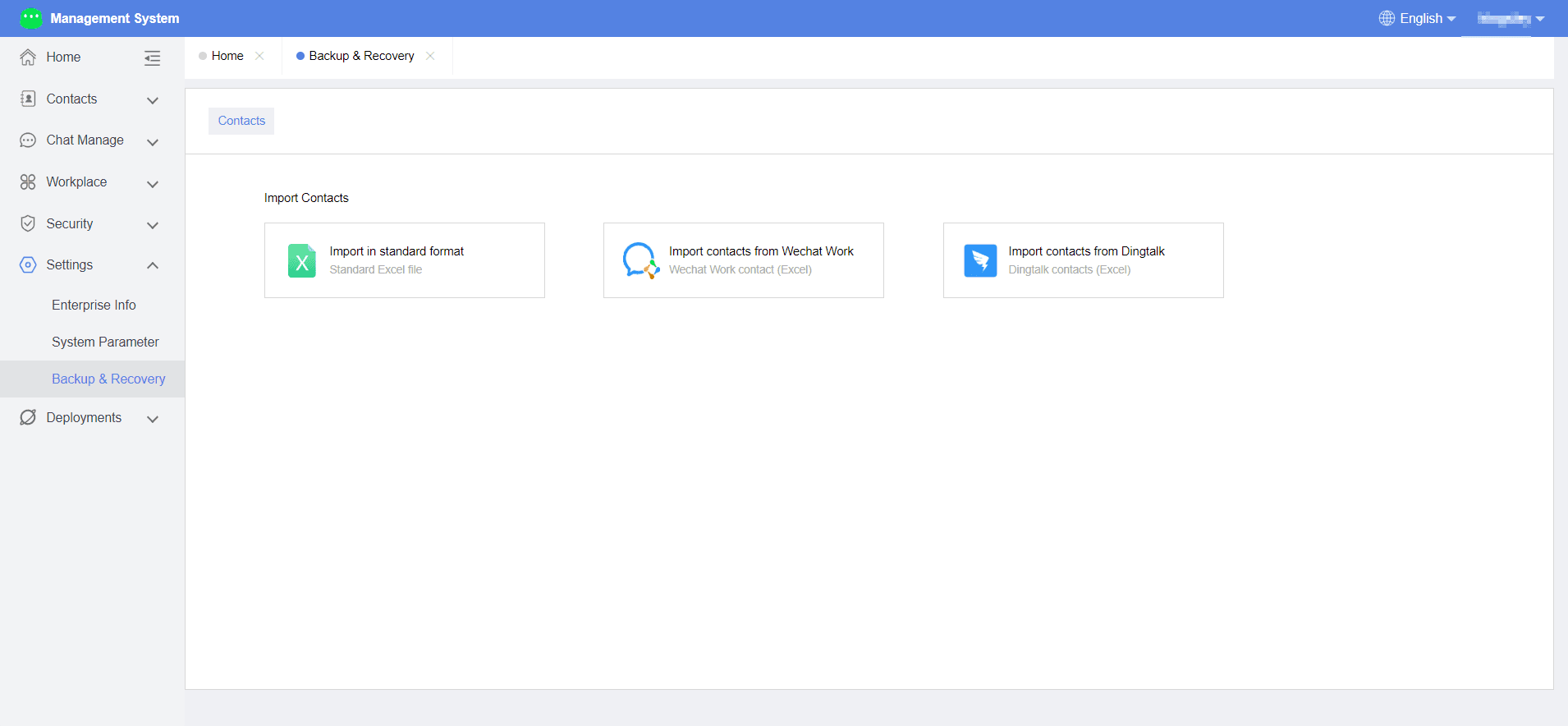
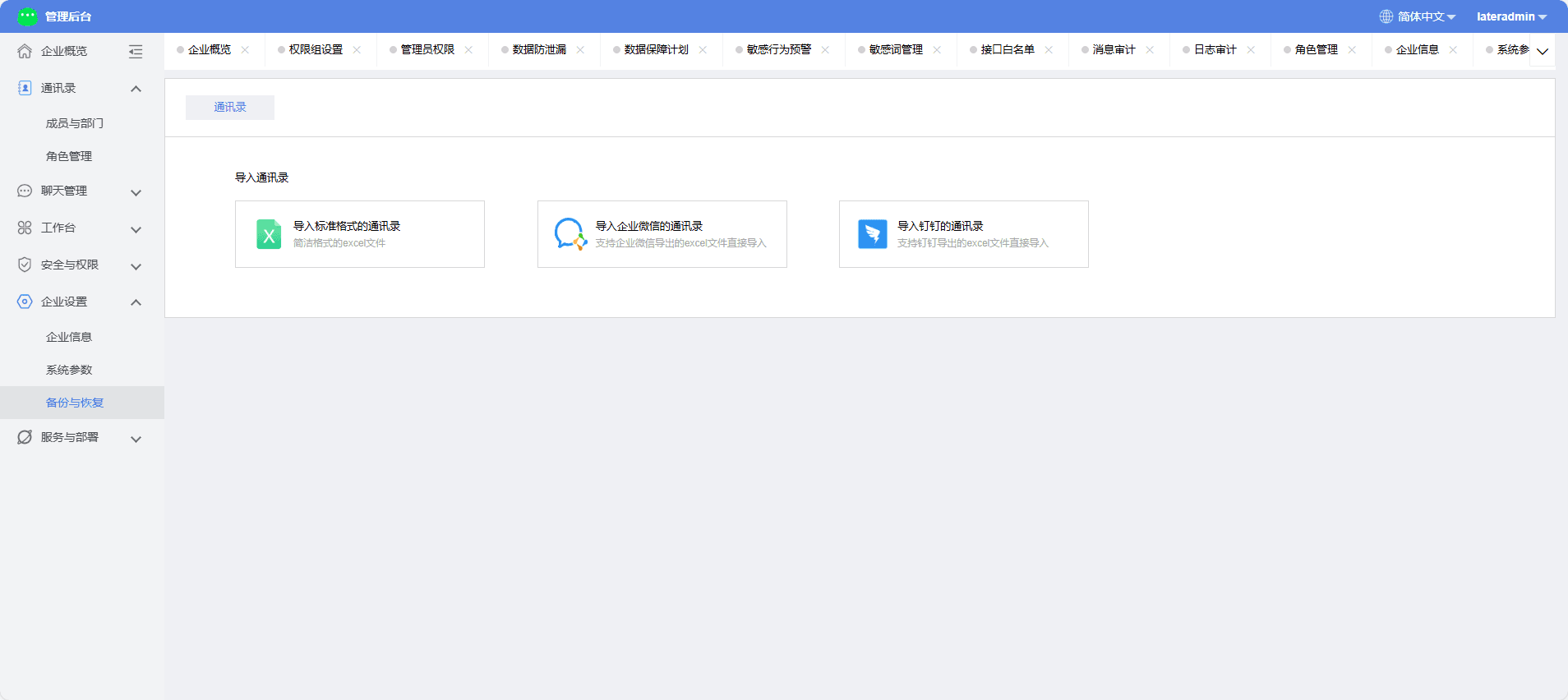
Administrators can import the address book here.
Operation Process
- Enter the DuliDuli admin panel > Enterprise Settings > Backup & Restore.
- Import the address book:
(1) Import a standard format address book
Download the corresponding template, fill in the address book information in the template, upload the file, and click "Import" to successfully import.
(2) Import a third-party address book
Currently supports importing WeChat Work and DingTalk address books. After exporting the corresponding Excel address book file from WeChat Work, you can directly import it into DuliDuli from the corresponding button.