Enterprise Space
Enterprise Space
➢How to upload files?
When you need to upload files or folders:
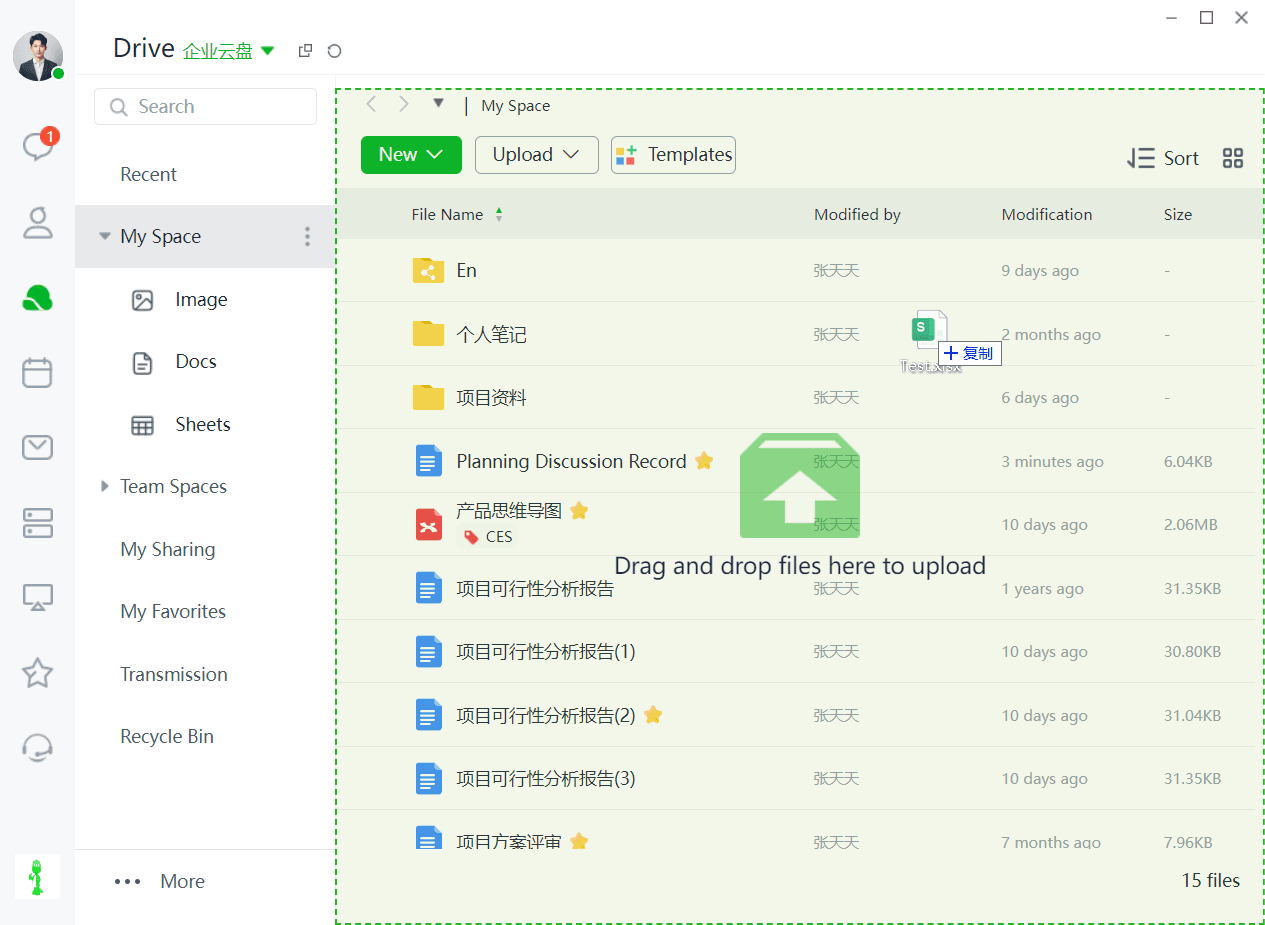
Method 1: You can drag and drop the files (or folders) you want to upload directly into a folder under the Enterprise Space using the PC client.
Note: Direct file uploads are not allowed in the Enterprise Space.
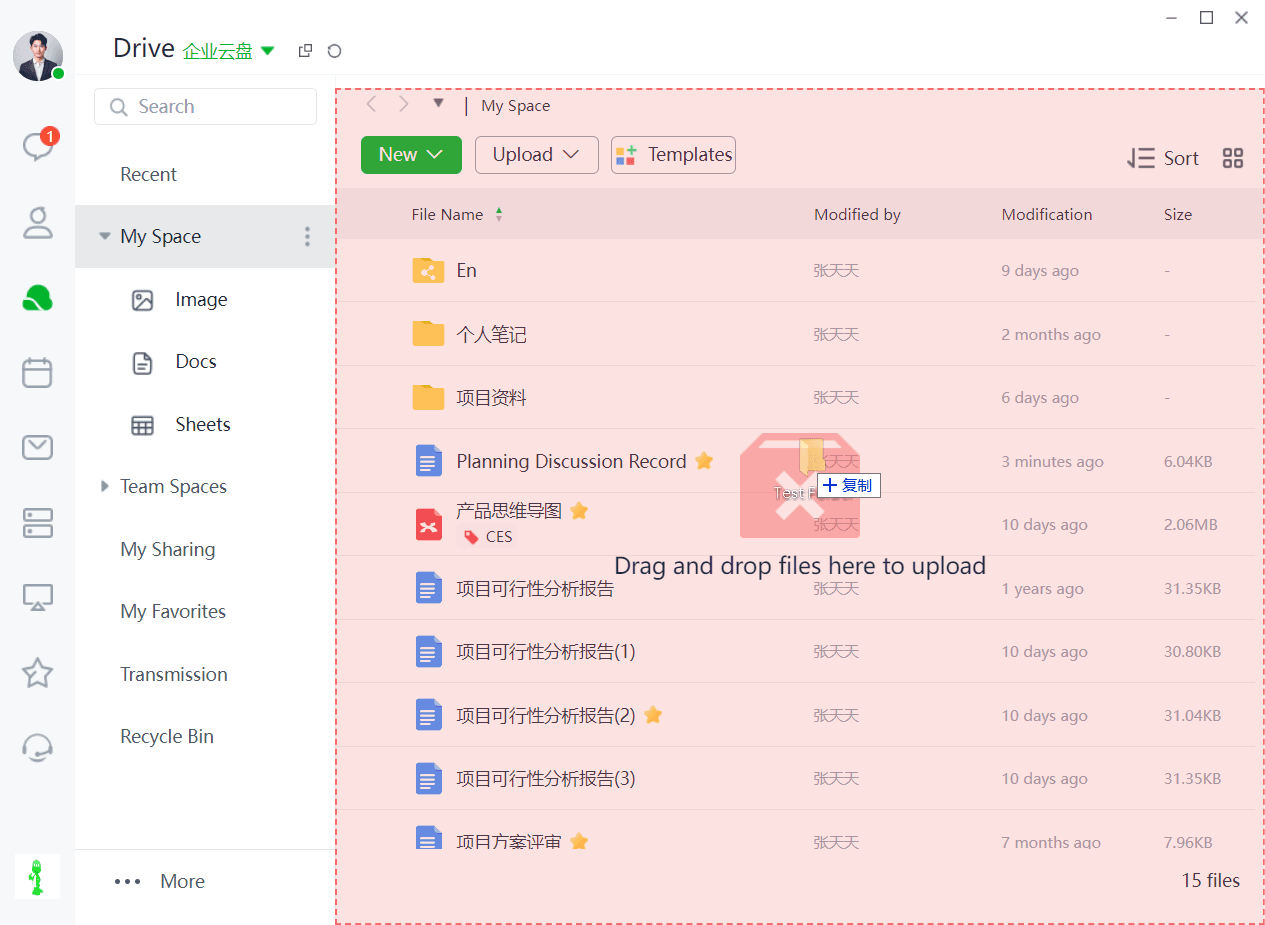
Files can only be uploaded by dragging them into folders within the Enterprise Space.
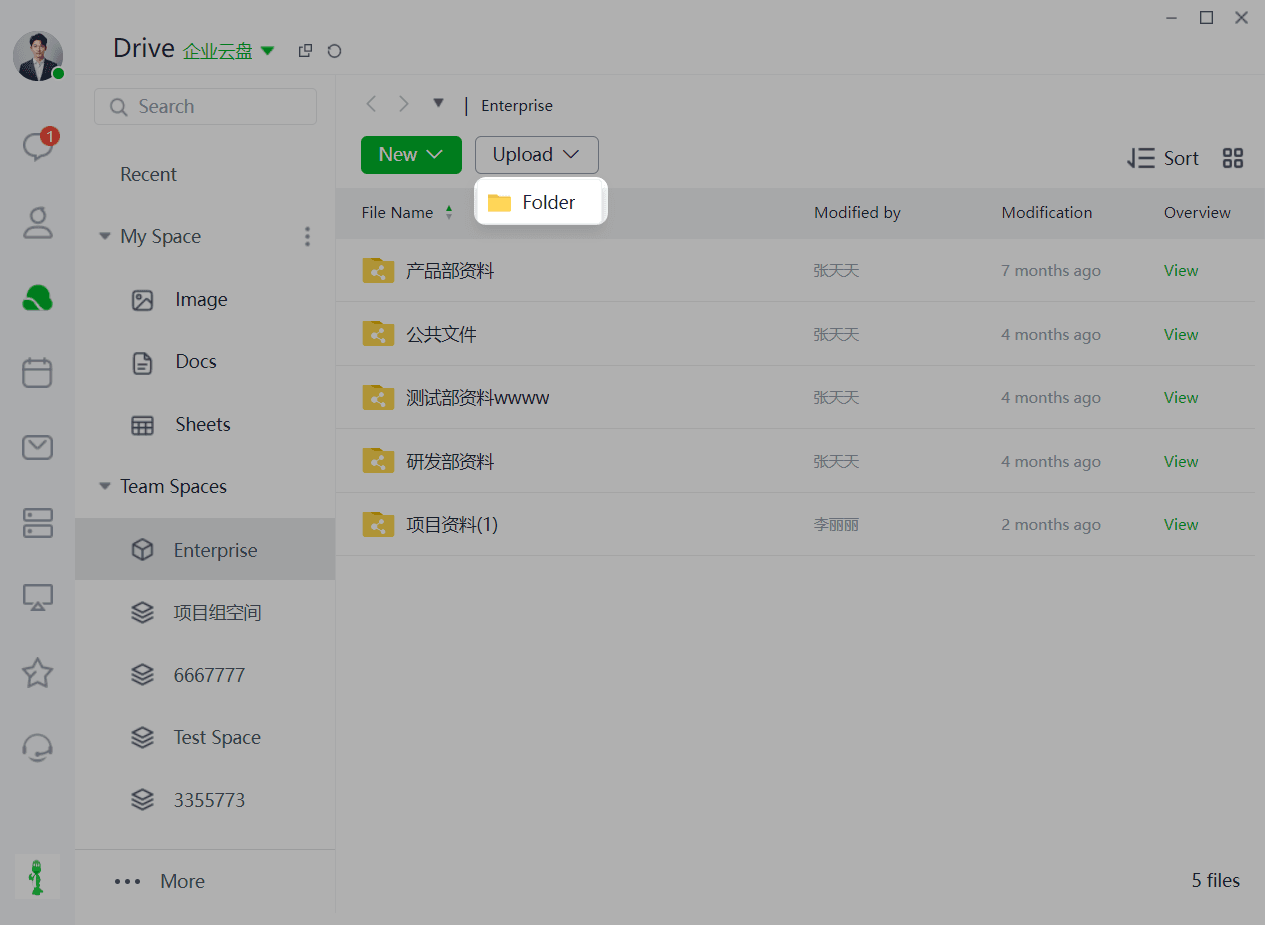
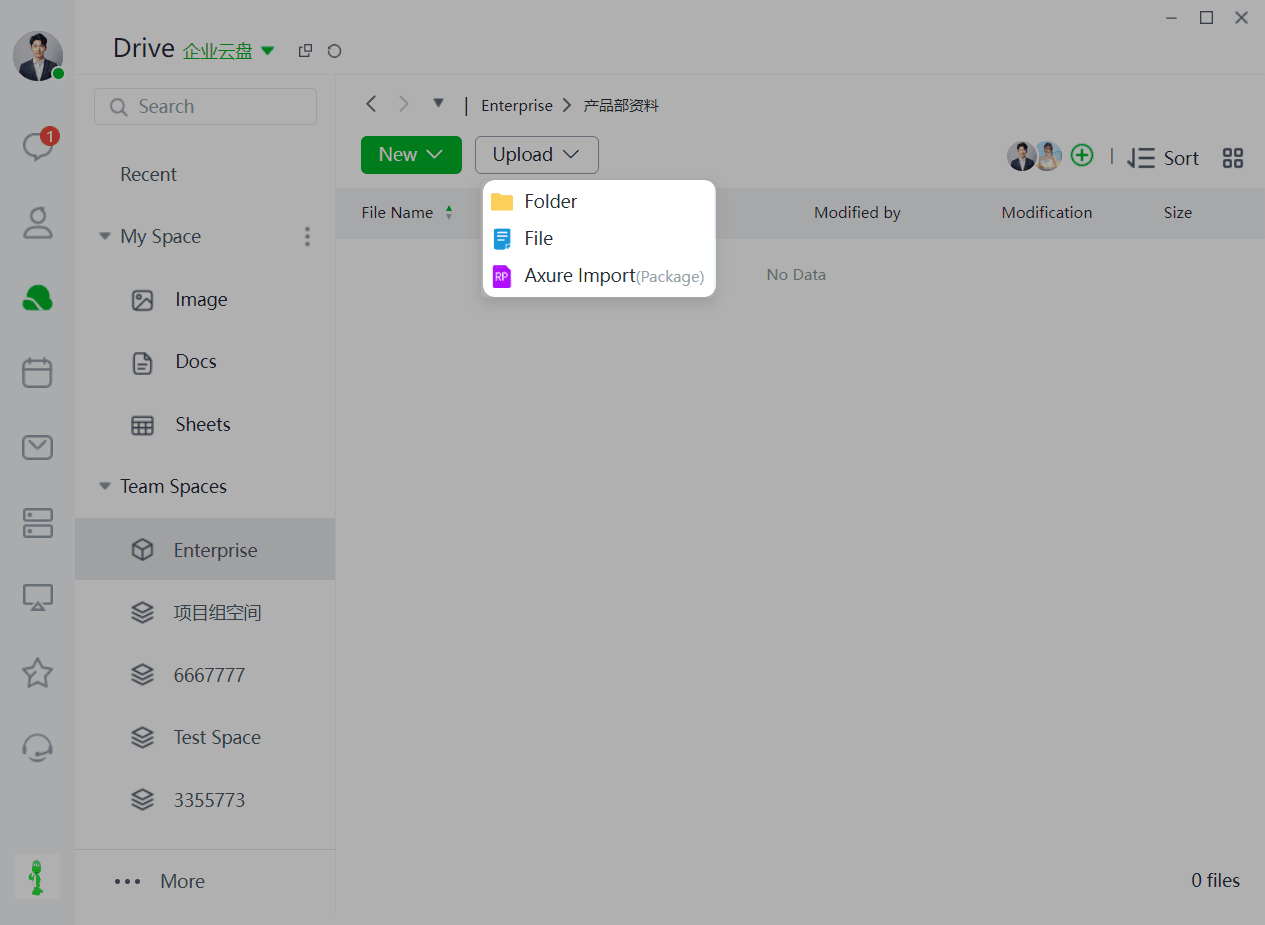
Method 2: You can also click the "Upload" button to upload files or folders.
Note: Only folders can be directly uploaded to the Enterprise Space. Files can be uploaded within these folders.
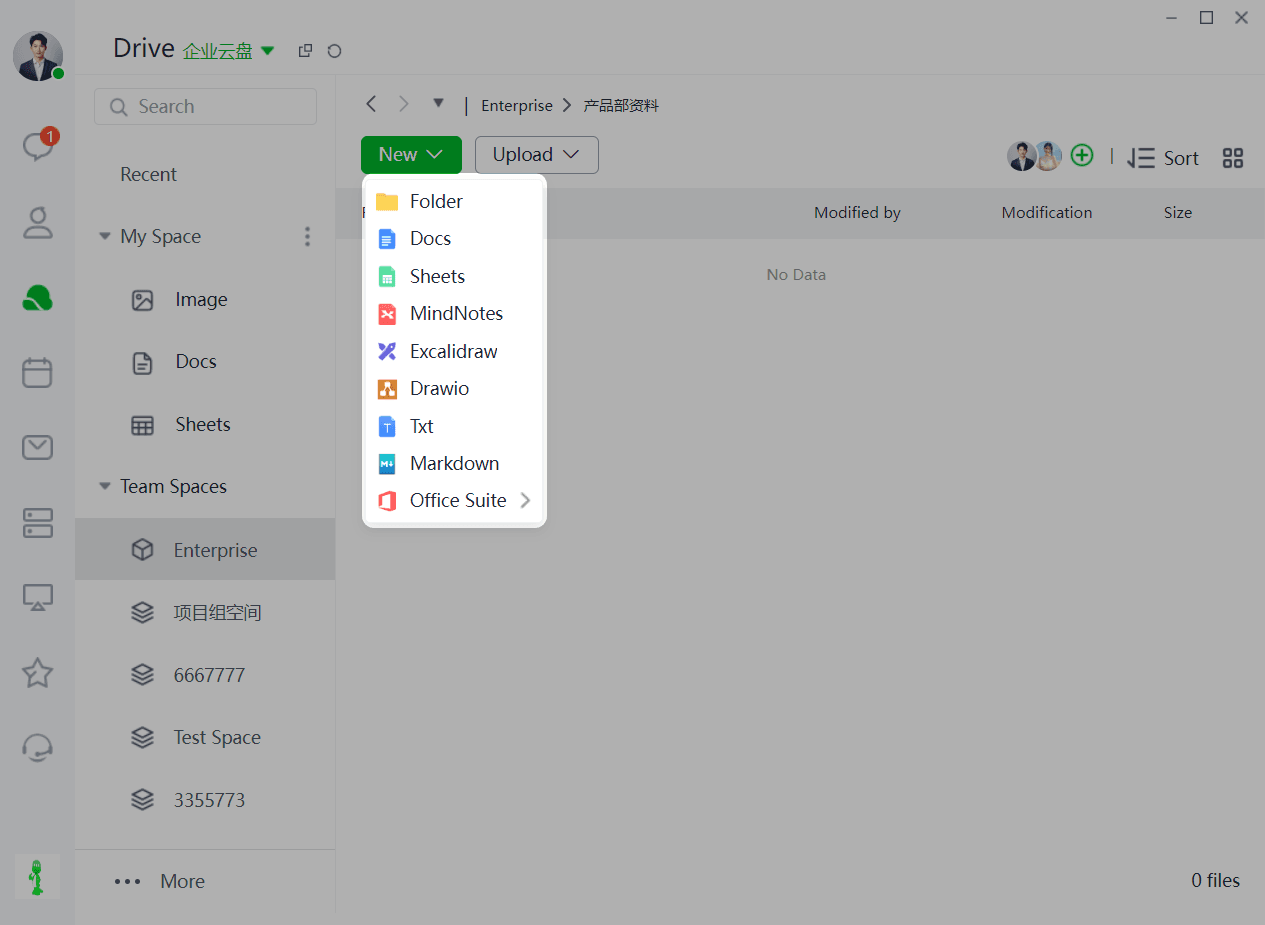
➢How to create files?
When you need to create new files (or folders):
Note: Direct file creation is not allowed in the Enterprise Space. Only folders can be created directly, and files can be created within these folders.
Click "New" and select the type you want to create (supports: folders, online documents, online spreadsheets, online mind maps, online whiteboards, flowcharts, txt, md, Office suite, and other file formats).