
Expert Center
1. Overview
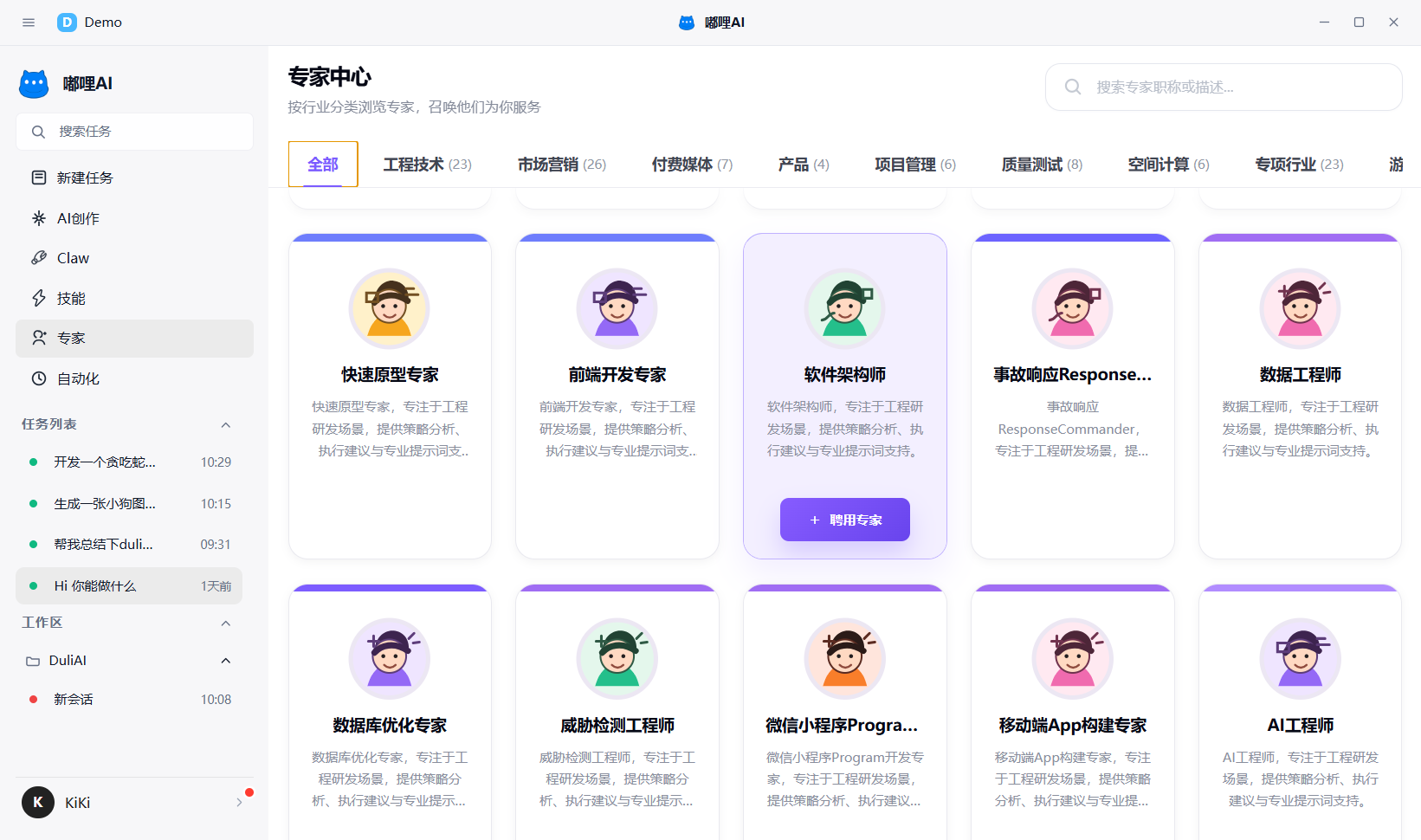
The Expert Center is used to browse, search, and select experts. It is suitable for tasks that need different professional roles.
2. What you can do
- Browse experts by category
- Search by expert name or description
- View the full expert prompt
- Choose suitable experts to participate in a task
3. How to use it
- Open
Expertson the left. - Find a suitable expert by category or keyword.
- View the expert introduction and full prompt.
- Select the expert when needed and let it participate in the current task.
4. Recommendations
- For complex tasks, find the matching role first
- Reuse familiar experts for similar tasks
- If you are using Expert Team mode, the Expert Center helps you understand role responsibilities in advance
- If you are unsure whom to choose, review the description first and then decide whether to add that expert to the current task
5. Frequently asked questions
5.1 What is the difference between the Expert Center and Expert Team?
The Expert Center is more like choosing a role. Expert Team is more like making multiple roles work together. If you only need one clear role, start with the Expert Center. If you need to solve a more complex task, then consider Expert Team.