
Points
Points are the unit used by Duli AI to measure AI resource consumption. You can think of points as the resource balance used when an organization uses AI models and AI features.
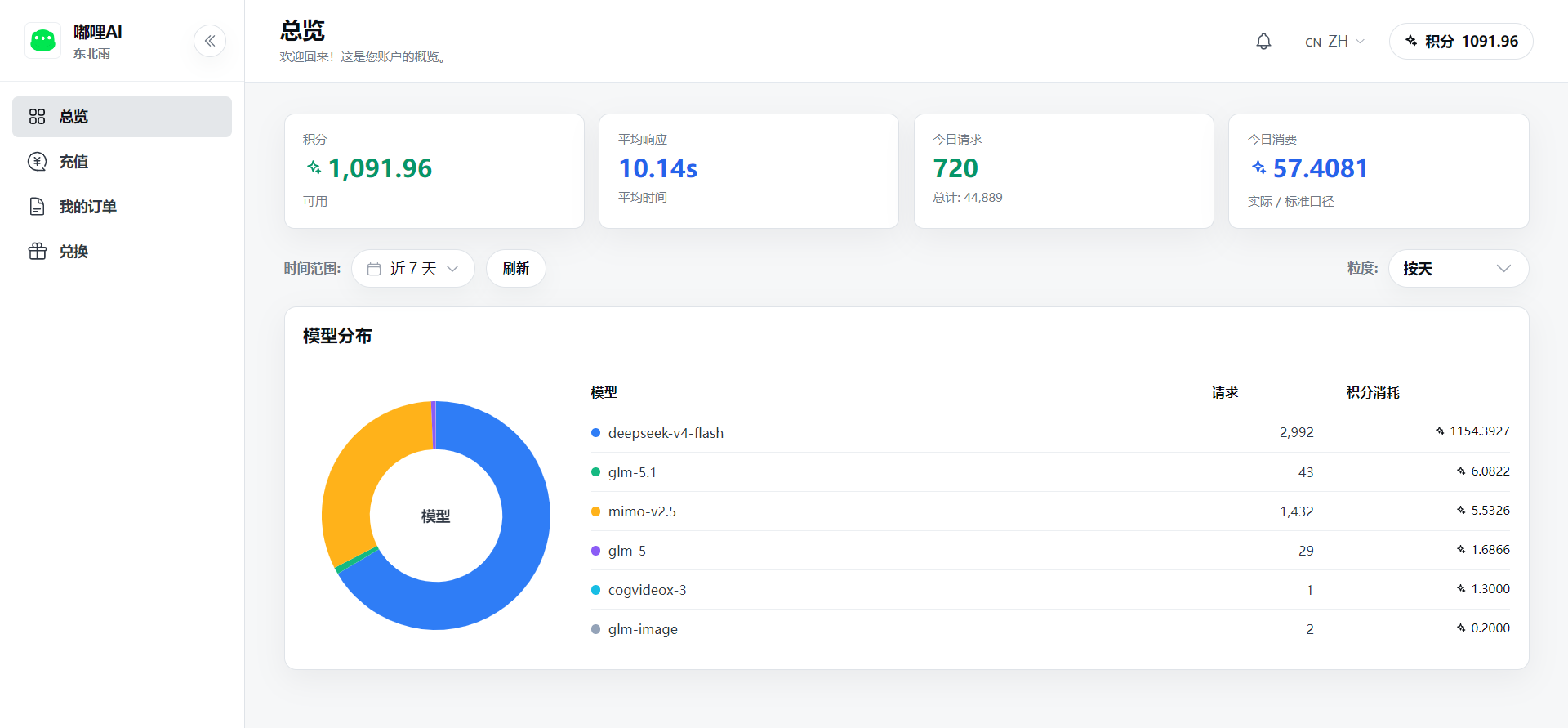
Which Features Consume Points
Common scenarios that consume points include:
- Using AI assistants for chat, summarization, writing, and Q&A.
- Using an enterprise knowledge base or cloud drive materials for retrieval-based Q&A.
- Using experts or expert groups for complex tasks.
- Using AI creation to generate images, videos, or short drama materials.
- Creating automation tasks that run AI processing on a schedule.
- Querying external systems through connectors and asking AI to analyze and summarize the results.
What Affects Point Consumption
Point consumption is usually related to the following factors:
- Model type: more capable and higher-cost models usually consume more points.
- Input content: uploaded files, long text, and more multi-turn context may increase consumption.
- Output content: more generated answers, images, videos, or files may increase consumption.
- Task complexity: expert groups, multi-step analysis, retrieval, and creation tasks usually consume more than simple Q&A.
- Media specifications: image resolution, video duration, and clarity affect consumption.
How Points Are Deducted
The general process is:
- A user starts an AI task.
- The system calculates consumption based on the model, task type, and actual usage.
- Points are deducted from the enterprise or account balance.
- A usage record is generated after deduction, and administrators can view it on the usage page.
If a task fails, is canceled, or is only partially completed, whether points are deducted and how many are deducted depends on actual system records.
What Administrators Can Do
- View the enterprise point balance.
- Purchase subscription packages or top up points.
- Set usage quotas by member, department, or all users.
- View member usage, model details, and source distribution.
- Adjust rules or contact support after abnormal consumption is found.
Usage Suggestions
- For long documents and multi-file tasks, clarify the goal first to avoid repeated ineffective attempts.
- For image and video generation, try a lower specification first before generating the final version.
- During initial rollout, set department or member quotas and adjust them after observing usage for a period of time.
- Keep usage records for important tasks to make later cost review easier.