
Duli Project Assistant
Duli Project Assistant helps teams ask questions and organize information around projects, requirements, defects, iterations, boards, and reports. It is suitable for project managers, development teams, QA teams, and business owners who need to quickly understand project status.
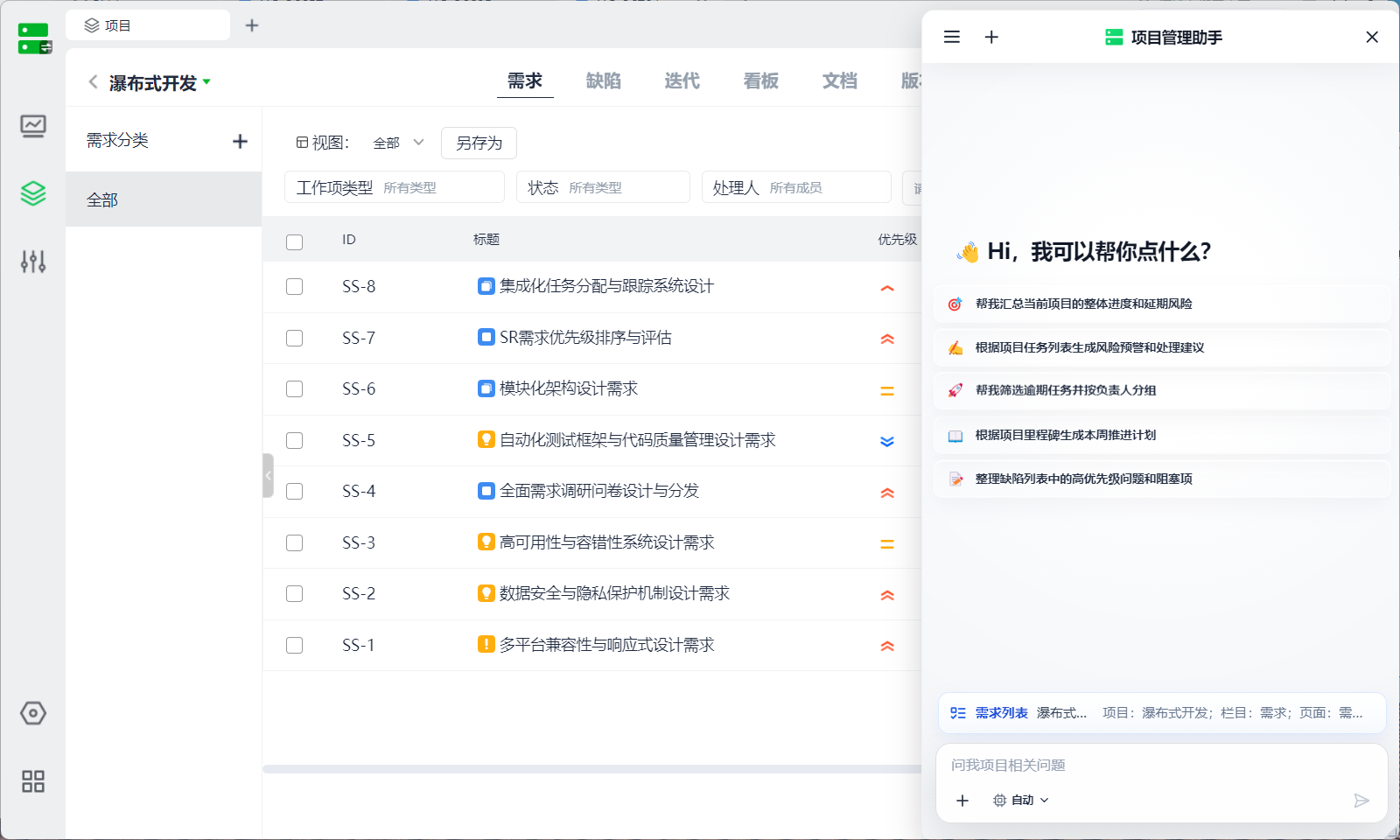
What It Can Do
- Query project progress, requirement status, defect counts, and blockers.
- Summarize the latest progress of a project, iteration, or work item.
- Generate weekly reports, risk lists, or meeting summaries based on project data.
- Help clarify relationships between requirements, defects, and tasks.
- Explain and summarize project reports and board information.
Suitable Scenarios
- Quickly understand yesterday's progress and today's risks before a stand-up meeting.
- Project managers check delayed items and blockers in the current iteration.
- QA leads summarize unclosed defects.
- Management wants an overall view of multiple projects.
How to Use
- Open Duli AI or the AI entry in Project Management.
- Select Duli Project Assistant.
- Select a project, iteration, work item, or report range.
- Enter a question, such as "Summarize delay risks in this iteration."
- Review the answer and continue asking about specific members, modules, or work items.
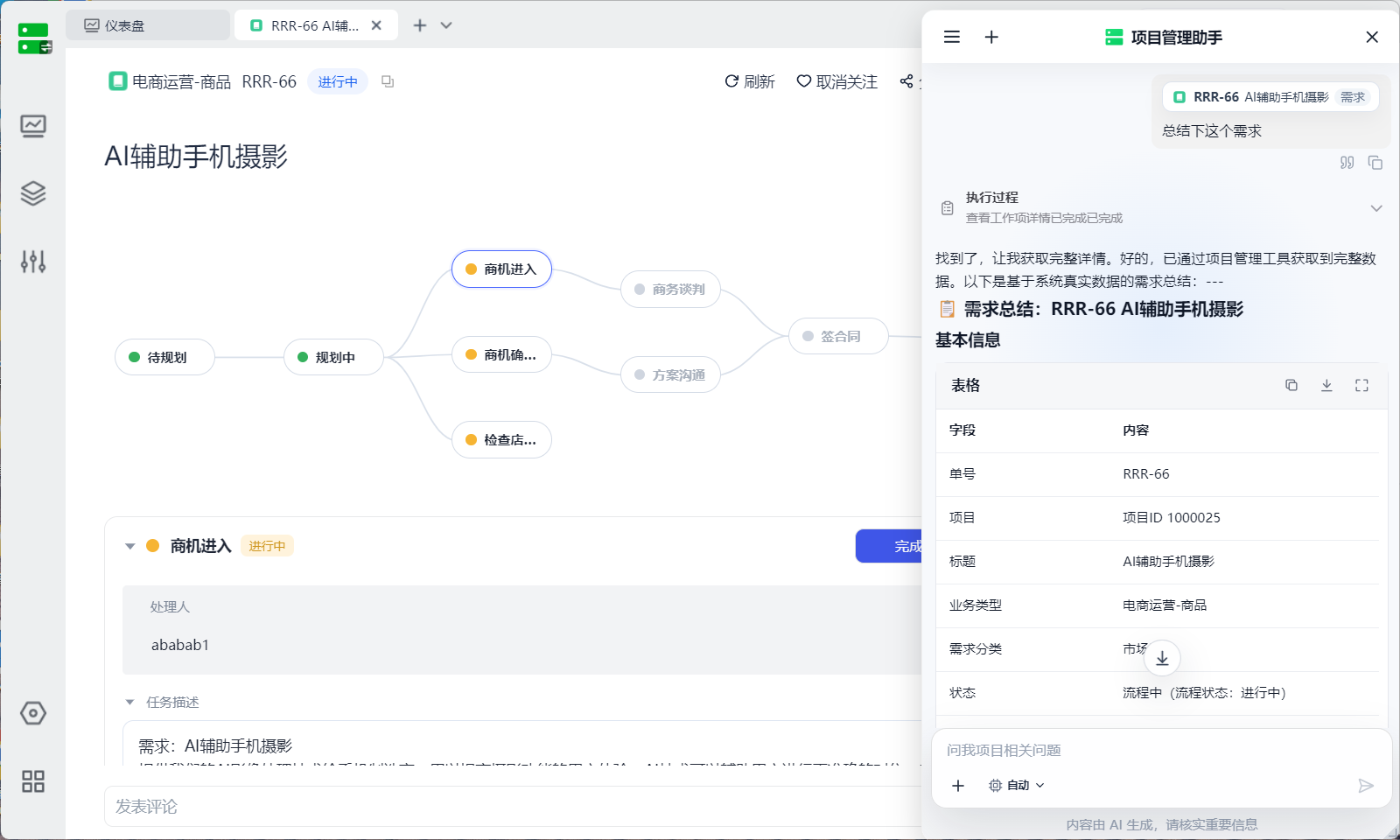
Example Prompts
- "Which P1 defects are still open this week?"
- "Summarize the completion status and risks of this iteration."
- "Generate a project weekly report with progress, risks, and next week's plan."
- "Which defects and tasks are associated with this requirement?"
Permission Notes
Project Assistant only reads data you are allowed to view in Duli Project. Projects, work items, reports, and linked cloud drive documents still follow their existing permissions.
FAQ
Can Project Assistant directly modify project data?
The first public manual recommends using it mainly for queries, summaries, and assisted analysis. For creation, modification, deletion, and similar actions, follow actual product permissions and confirmation flows.
Why are some projects unavailable?
The project may not be authorized to you, may have been archived, the project management entry may not be enabled, or your organization may not have configured Project Assistant.