
AI Assistant
AI Assistant is the cloud entry point for Duli AI. It is suitable for quickly starting AI conversations in a browser, on mobile, or inside Duli business apps. It can handle general questions and also act as a dedicated assistant for cloud drive, projects, attendance, and other business scenarios.
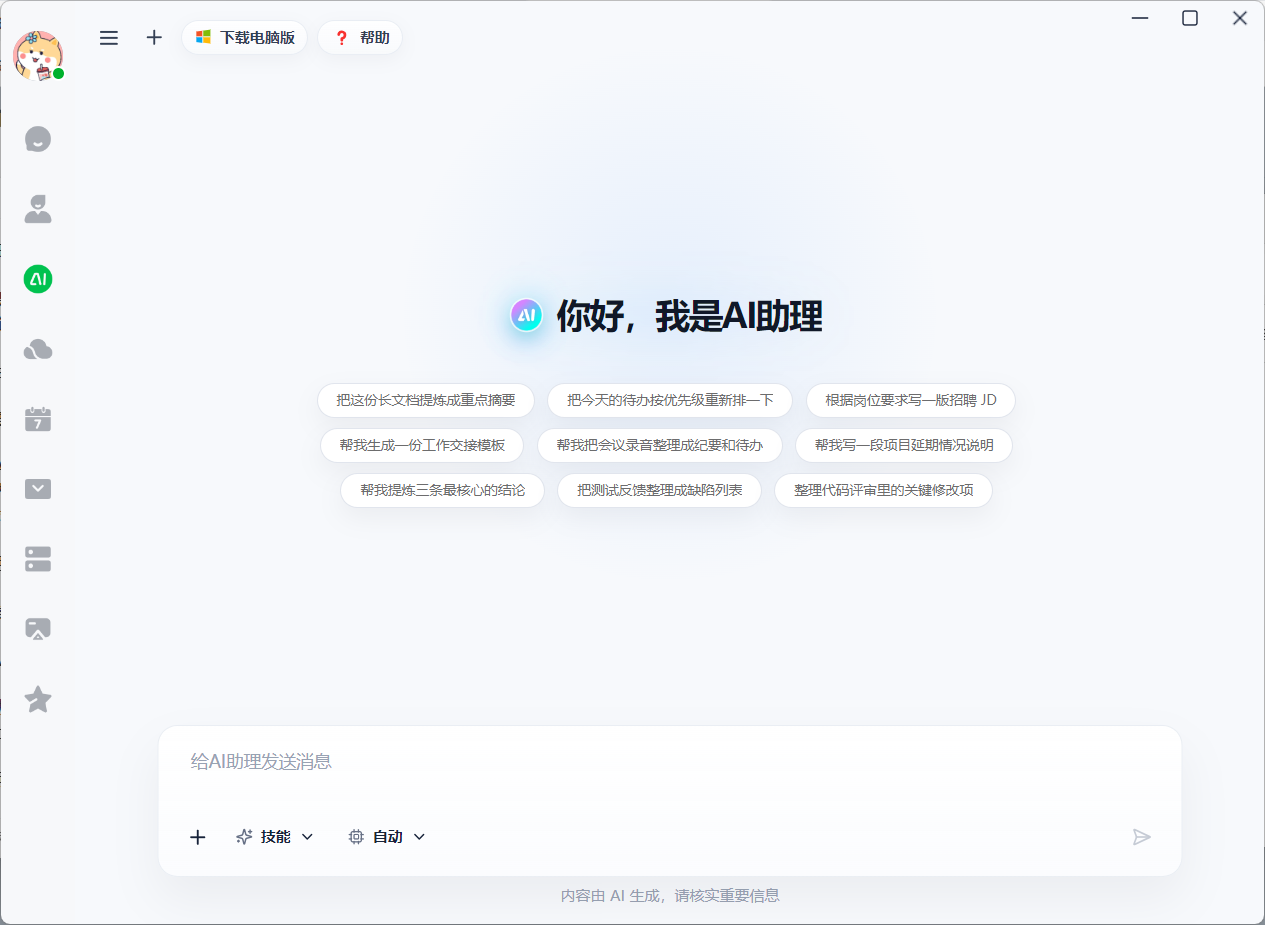
Main Entry Points
- Duli AI entry: enter general AI chat.
- In-app AI entry: use the corresponding assistant in Cloud Drive, Projects, Attendance, and other apps.
- Business object entry: invoke the assistant from files, projects, reports, work items, and other contexts.
Conversation Types
| Conversation Type | Description | Example |
|---|---|---|
| General AI chat | Not bound to a specific business app; suitable for writing, summarizing, translation, explanation, and general Q&A | "Polish this copy for me" |
| App assistant | Bound to one business app and answers questions within that app's scope | "Summarize delay risks for this project" |
| Context-bound assistant | Bound to a file, project, work item, or business object | "Summarize the key points of this document" |
How to Use
- Open the Duli AI Assistant entry.
- Choose general chat or an app assistant based on your scenario.
- Enter a question and select files, projects, members, or time ranges if needed.
- Review the answer and continue asking follow-up questions.
- For suggestions involving actions, confirm them according to page prompts before execution.
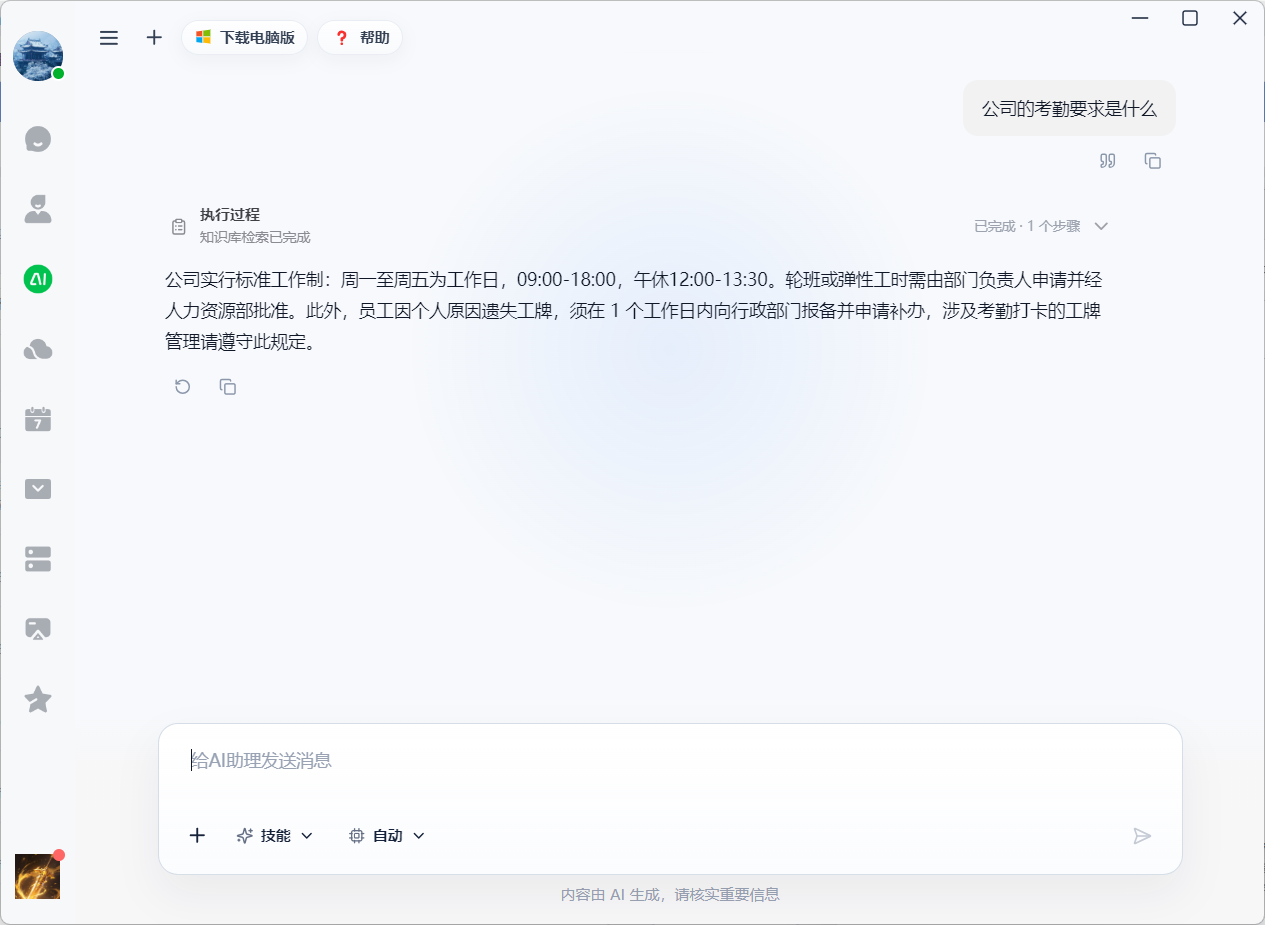
Typical Uses
- Writing and summarization: write notices, polish copy, summarize meeting materials.
- Knowledge Q&A: answer questions based on enterprise knowledge base or cloud drive materials.
- Business queries: check project progress, attendance exceptions, file content, and more.
- Operation assistance: generate operation suggestions in scenarios requiring confirmation.
Permissions and Security
AI Assistant follows enterprise accounts, app permissions, and data access scopes. Files, projects, or business data you cannot access will not be used in answers.
FAQ
What is the difference between AI Assistant and the desktop client?
The desktop client is better for complex tasks, file workspaces, expert groups, creation, and automation. AI Assistant is better for lightweight chat, mobile work, and in-app business Q&A.
Why does the same question get different answers in different assistants?
Different assistants are bound to different business scopes and contexts. Project Assistant prioritizes project data, Cloud Drive Assistant prioritizes file materials, while general chat does not bind business data by default.