
Right-Side Panel
The right-side panel is an important area for reviewing progress, results, and details. Many pieces of information are not stacked directly in the main chat body. Instead, they are centralized here so you can keep advancing the task while reviewing outcomes.
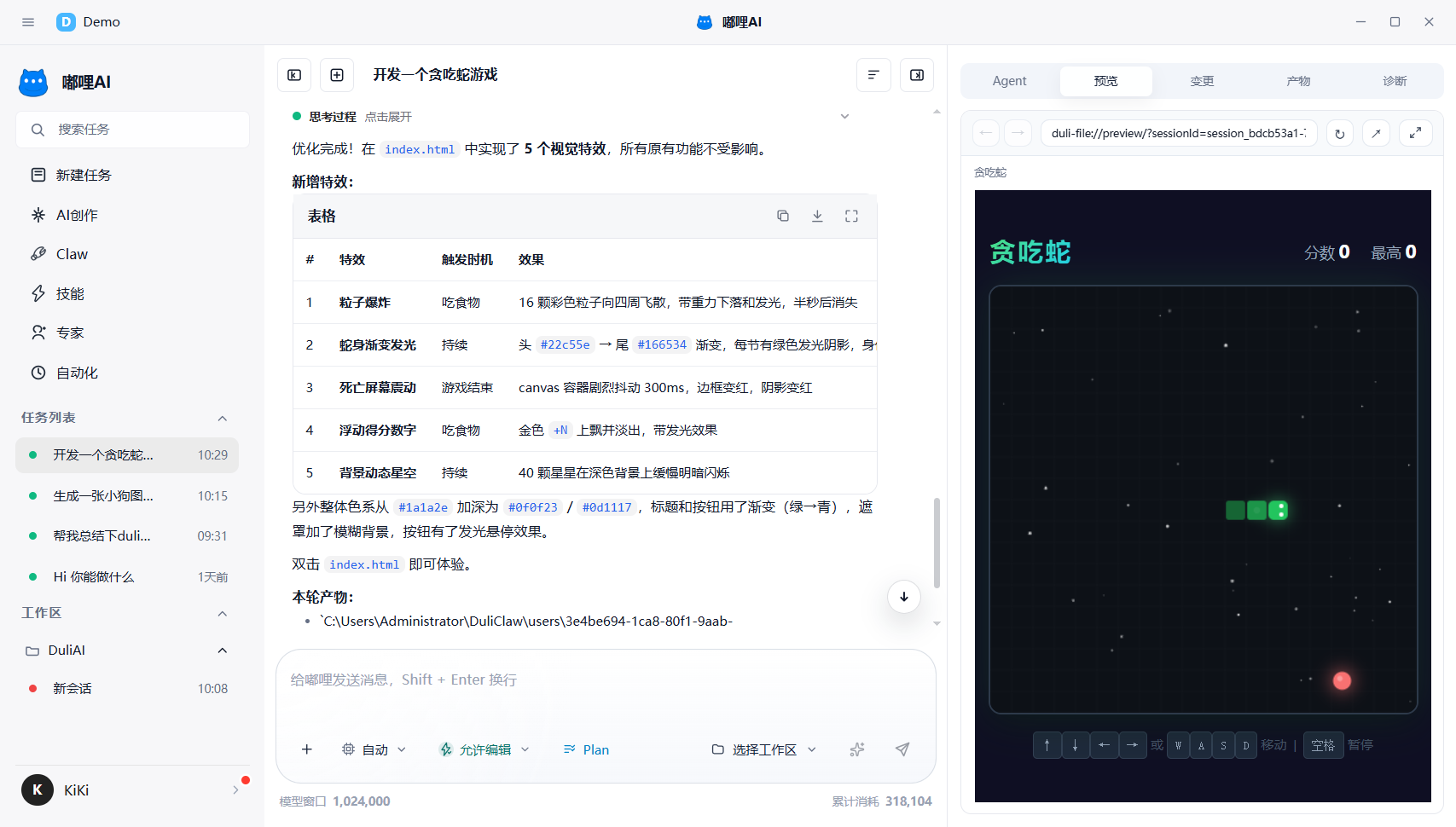
1. Agent
When you use Expert Team mode, this becomes the core observation area. You can review member responsibilities, execution status, result summaries, and blocking reasons.
2. Built-in Preview
When a task opens a web page, link, or content that needs preview, you can inspect it here directly without switching windows.
3. Changes
If the task produces modifications, you can quickly review the current round of changes here.
4. Outputs
If the task generates files, images, videos, or other results, you can review them here in one place.
5. Diagnostics
When a task is abnormal, fails, or requires troubleshooting, check the Diagnostics panel first for quick problem location.
6. Recommendations
- Open
Agentfirst when reviewing team collaboration - Open
Built-in Previewfirst when reviewing links, web pages, and online results - Open
Outputsfirst when reviewing files, images, and videos - Check
Diagnosticsfirst when something goes wrong