
New Task
1. Overview
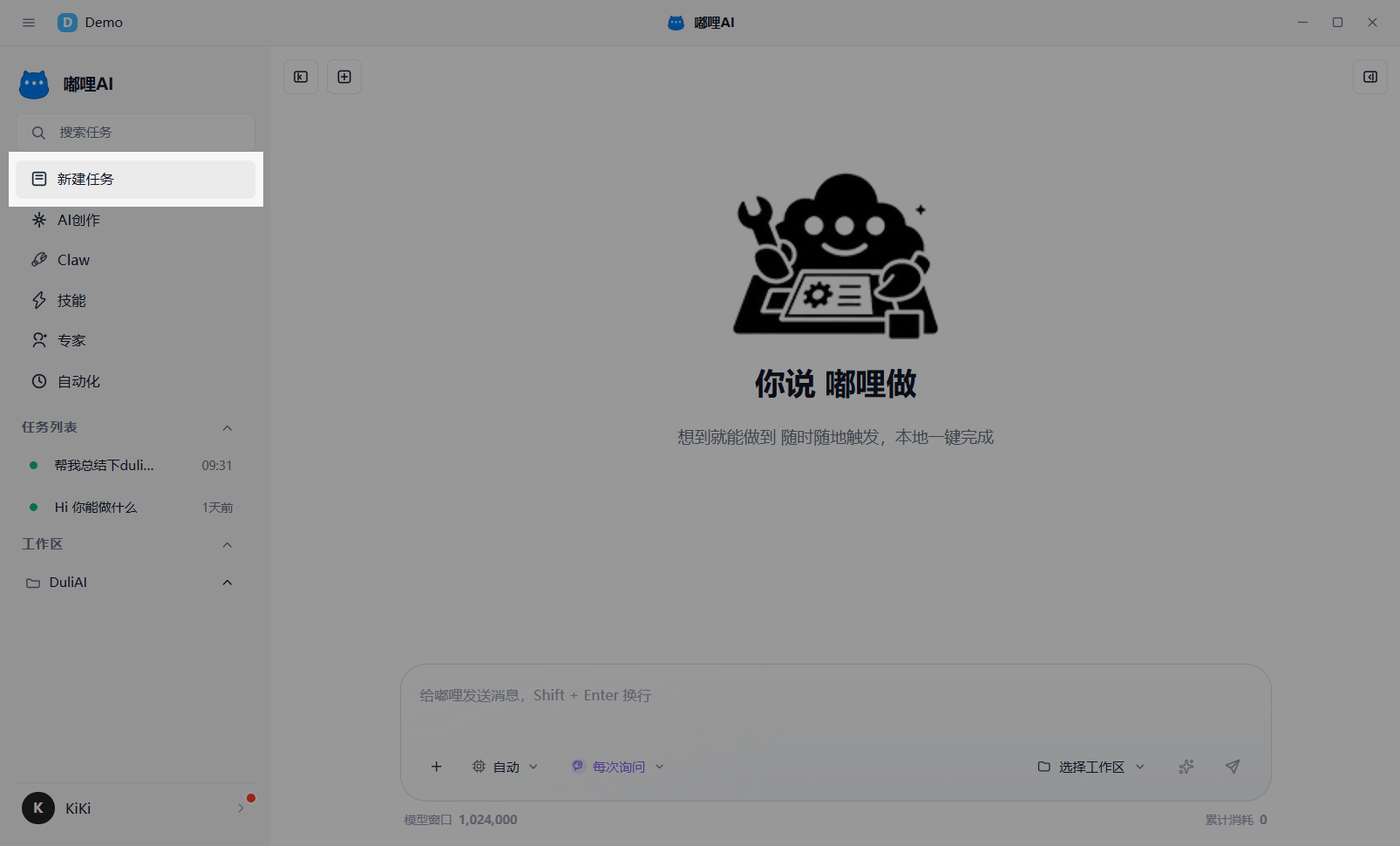
New Task is the most common entry point. It is suitable for most text, reference, and collaboration tasks. Whether you are asking questions, writing, organizing, summarizing, or discussing a file continuously, this is usually where you start.
2. How to use it
- Click
New Task. - Enter the objective, requirements, and context.
- Add attachments, skills, workspace bindings, or modes if needed.
- Send the task and continue asking follow-up questions until it is complete.
3. Suitable scenarios
- Write a paragraph, email, or proposal
- Summarize a document or webpage
- Polish existing content
- Continue asking around one topic
- Handle tasks with attachments or workspace context
4. Resume historical tasks
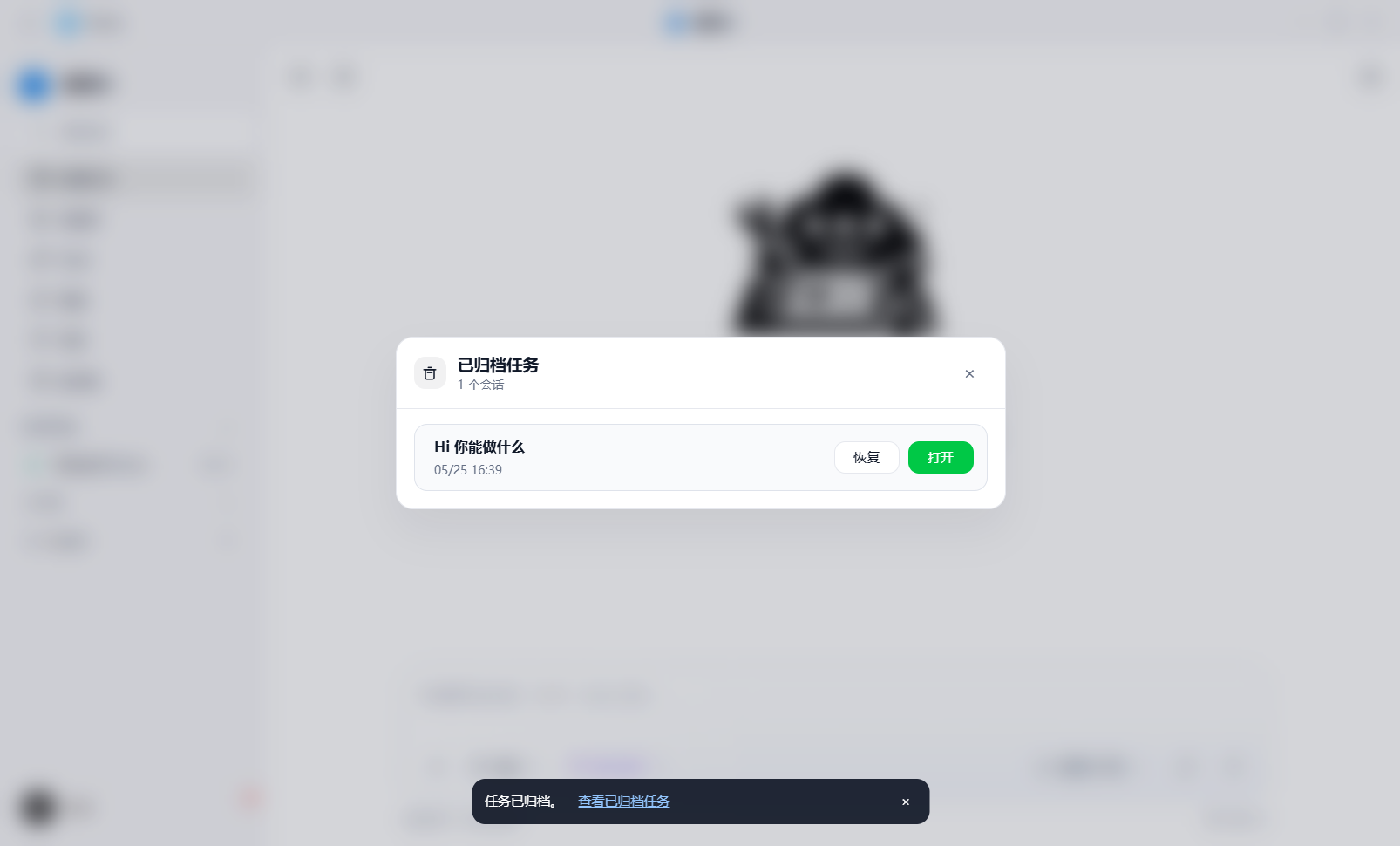
If a task is not finished, you do not need to start over. You can reopen it directly from the left list, a workspace task list, or the archive, and continue in the original context.
5. Workspace tasks
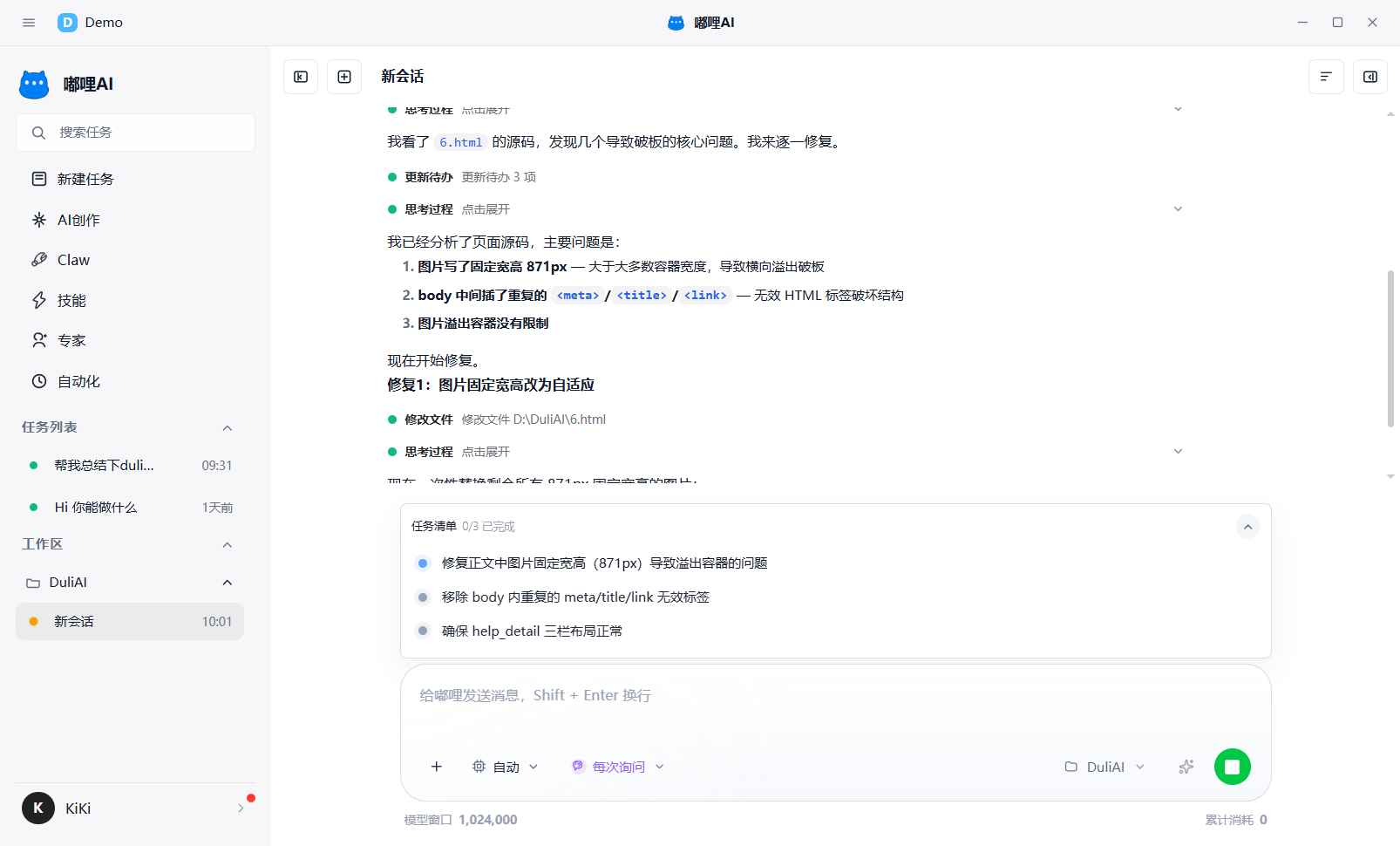
When a task is strongly related to local files, code, or a project, it is recommended to use workspace tasks. This makes later context, file reference, and task history clearer.
6. Recommendations
- For simple questions, send directly
- When files are involved, bind the workspace first
- When external material is involved, remember to add attachments or links
- For more complex work, combine it with Plan mode or Expert Team mode