
Claw
1. Overview
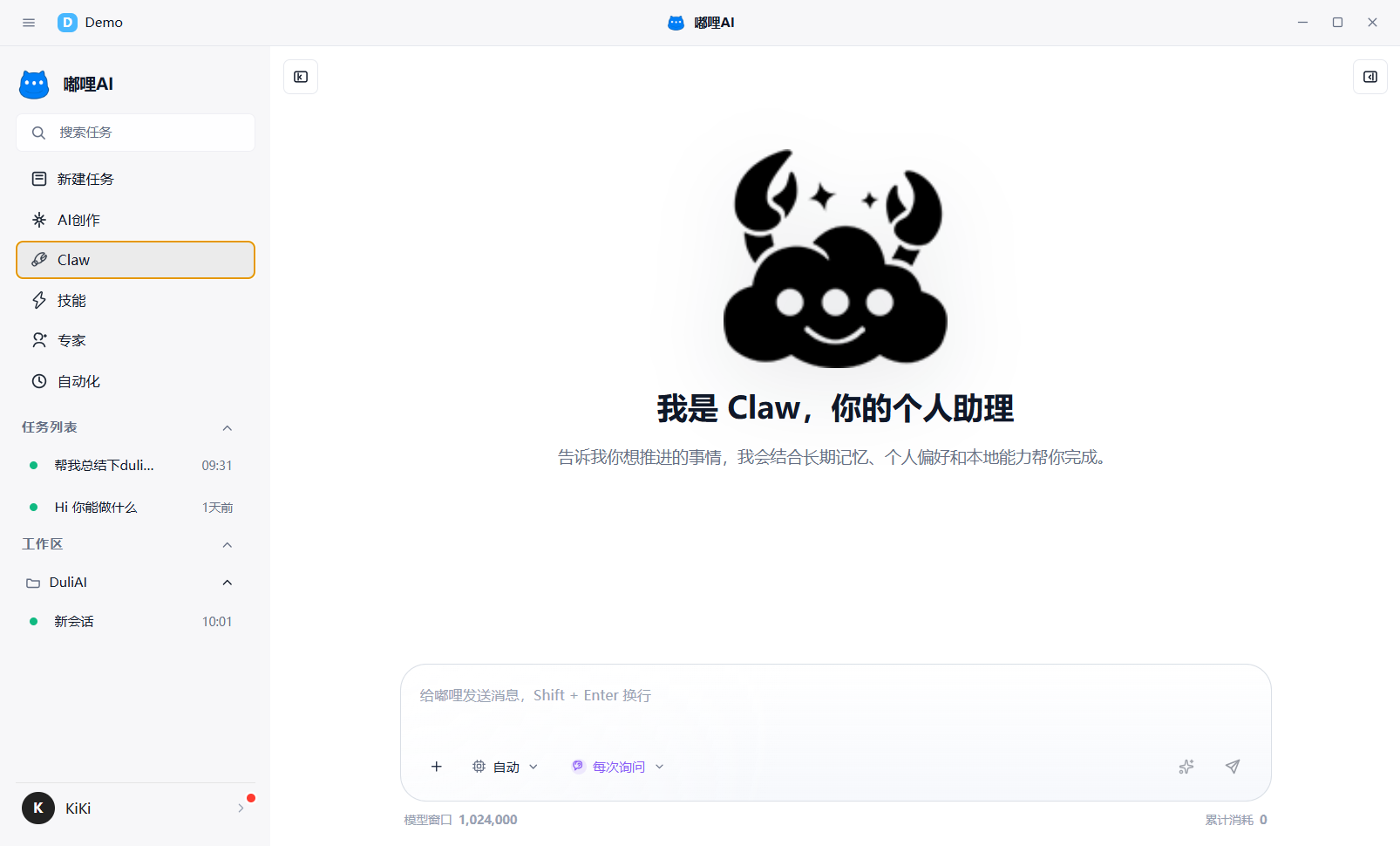
Claw is the dedicated assistant workspace inside DULI AI. Unlike a regular New Task, it emphasizes long-term companionship, a stable style, and personal preferences, so the assistant understands you better over repeated use.
2. Identity setup
In Claw Settings, you can maintain three kinds of information:
- User Profile: who you are and how you work
- Identity Setup: what role DULI plays and what relationship it has with you
- Soul Setup: what tone and style it should use when replying to you
3. How to start using it
- Open
Clawon the left. - Start by entering a daily task you want to move forward.
- If you want it to understand you better, then go to
Claw Settingsand complete the preference information. - Continue using it for similar tasks, and Claw will become closer to your preferred expression style.
4. Suitable scenarios
Claw is especially suitable when:
- You want a long-term dedicated assistant
- You want the assistant to keep learning your expression preferences
- You want it to remember a fixed tone and work habits
- You want continuous long-term assistance around personal tasks
5. Recommendations
- If you often repeat your work habits, configure Claw early
- If you want a more stable tone, focus on refining the Soul Setup
- If you want daily collaboration to feel more like working with a fixed assistant, use Claw first
6. Frequently asked questions
6.1 What is the difference between Claw and New Task?
New Task is better for general-purpose work. Claw is better for long-term, continuous use where personal preference and a fixed style matter more.
6.2 Can I use Claw before configuring preferences?
Yes. You can start using it directly and then gradually improve preference settings later.