
Introduction
1. What is DULI AI
DULI AI is a desktop AI workspace designed for office work, content creation, and collaboration. It brings conversations, file handling, skill invocation, expert collaboration, AI creation, and automation into one application, so you can keep moving a goal forward without switching back and forth between tools.
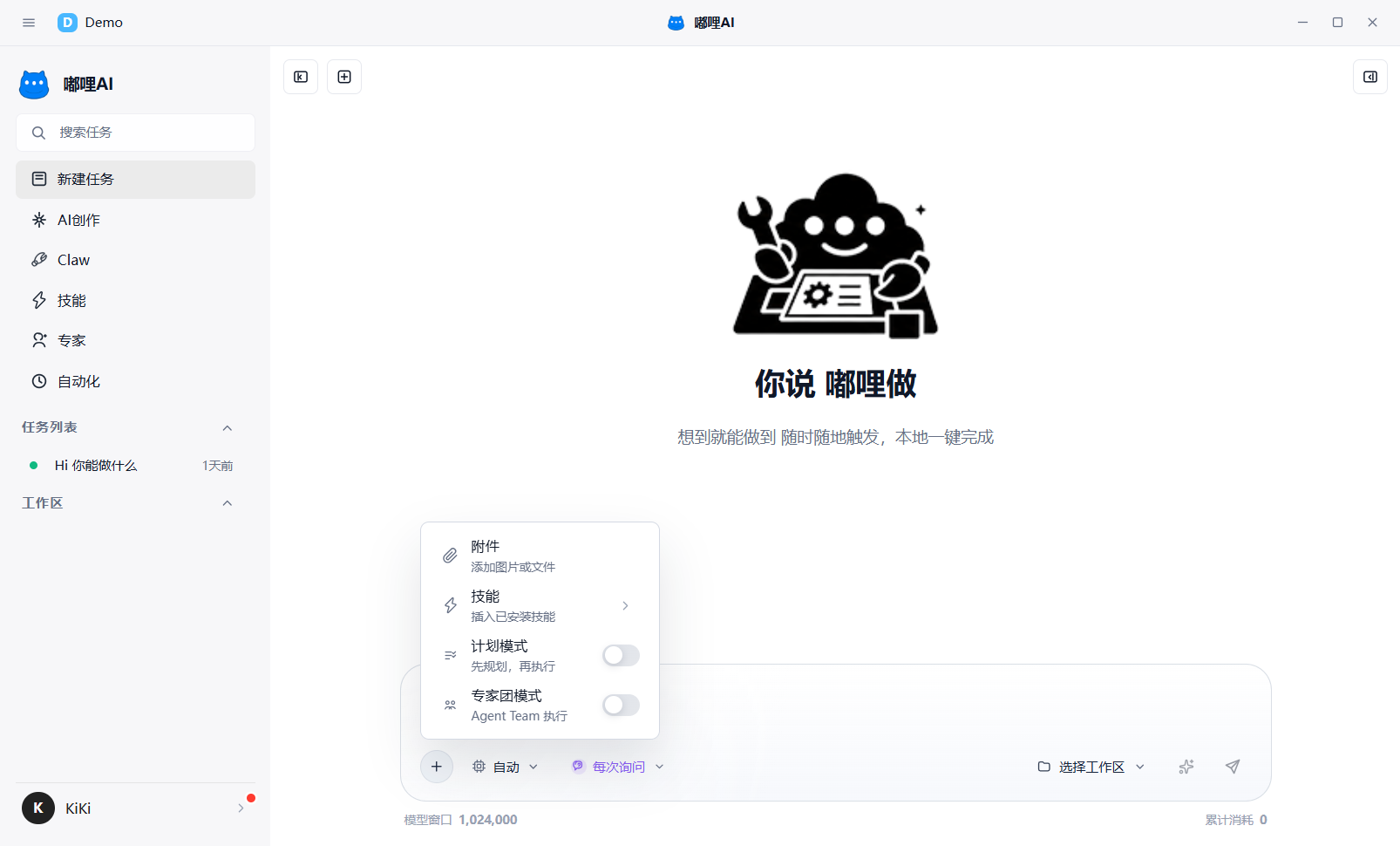
2. What can you do with DULI AI
- Launch daily Q&A, writing, organization, and analysis tasks
- Continue asking questions, revising, and supplementing content with files from a workspace
- Expand capability boundaries with skills
- Handle complex tasks through Plan mode or Expert Team mode
- Use Claw as a long-term personal assistant
- Enter the AI Creation workspace for image, video, and AI short-drama creation
- Create automation tasks so recurring work runs on a schedule
3. Interface overview
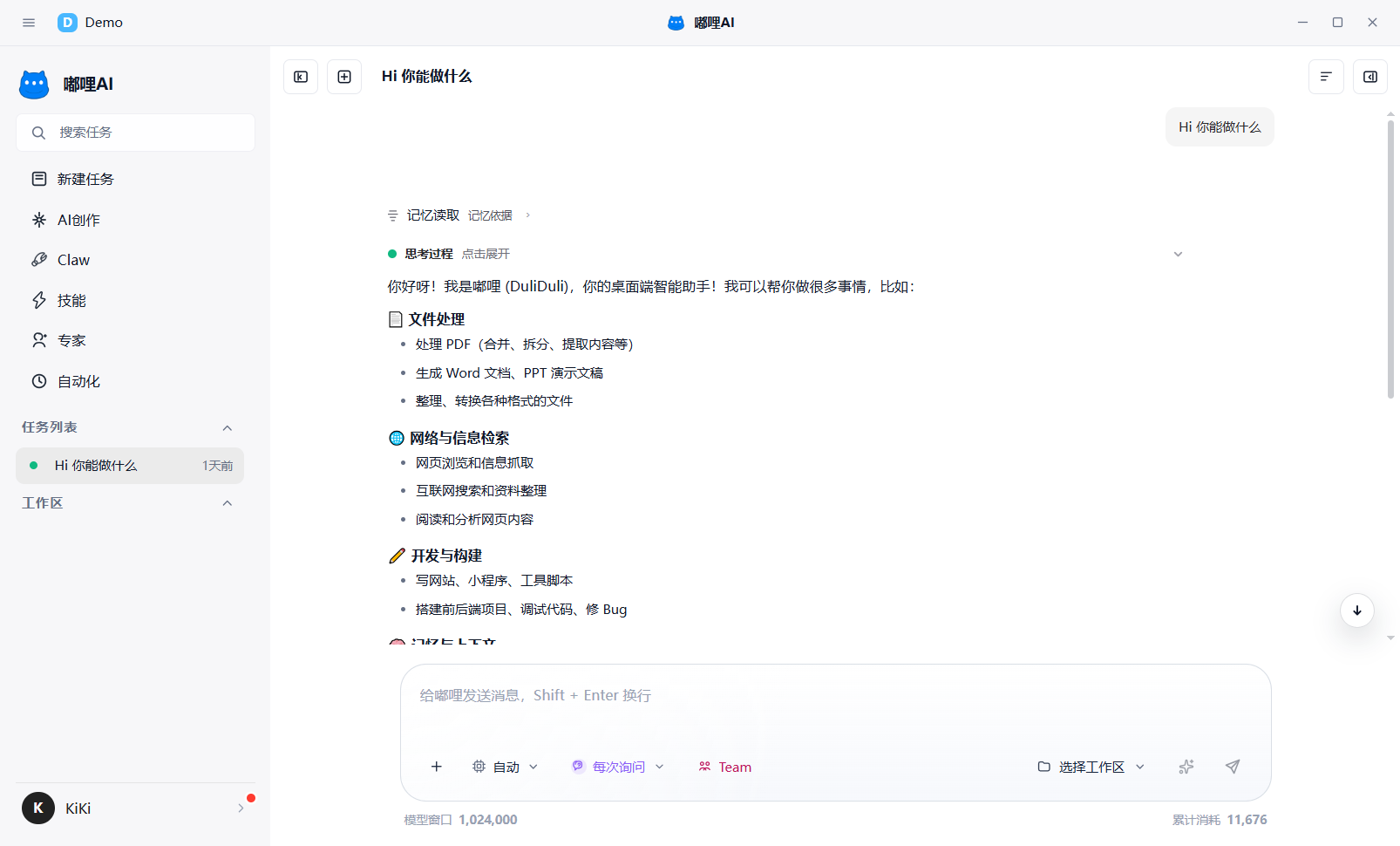
The main interface of DULI AI can be understood as: find the entry on the left, work in the middle, and review process and results on the right.
3.1 Left navigation
The left side is the main entry area. It usually includes:
New TaskAI CreationClawSkillsExpertsAutomationTask ListWorkspace
3.2 Center workspace
The center area is where you actually complete tasks. Different entries switch to different workspaces, such as the chat workspace, AI Creation workspace, Skills workspace, Experts workspace, and Automation workspace.
3.3 Right-side panel
The right-side panel is used to view progress and results. Common tabs include:
| Tab | Purpose |
|---|---|
| Agent | View expert-team member status, role split, and results |
| Built-in Preview | Open web pages, links, and preview content |
| Changes | View modifications produced in the current task |
| Outputs | View files, images, videos, and other generated results |
| Diagnostics | View troubleshooting information and exception prompts |