
AI Creation
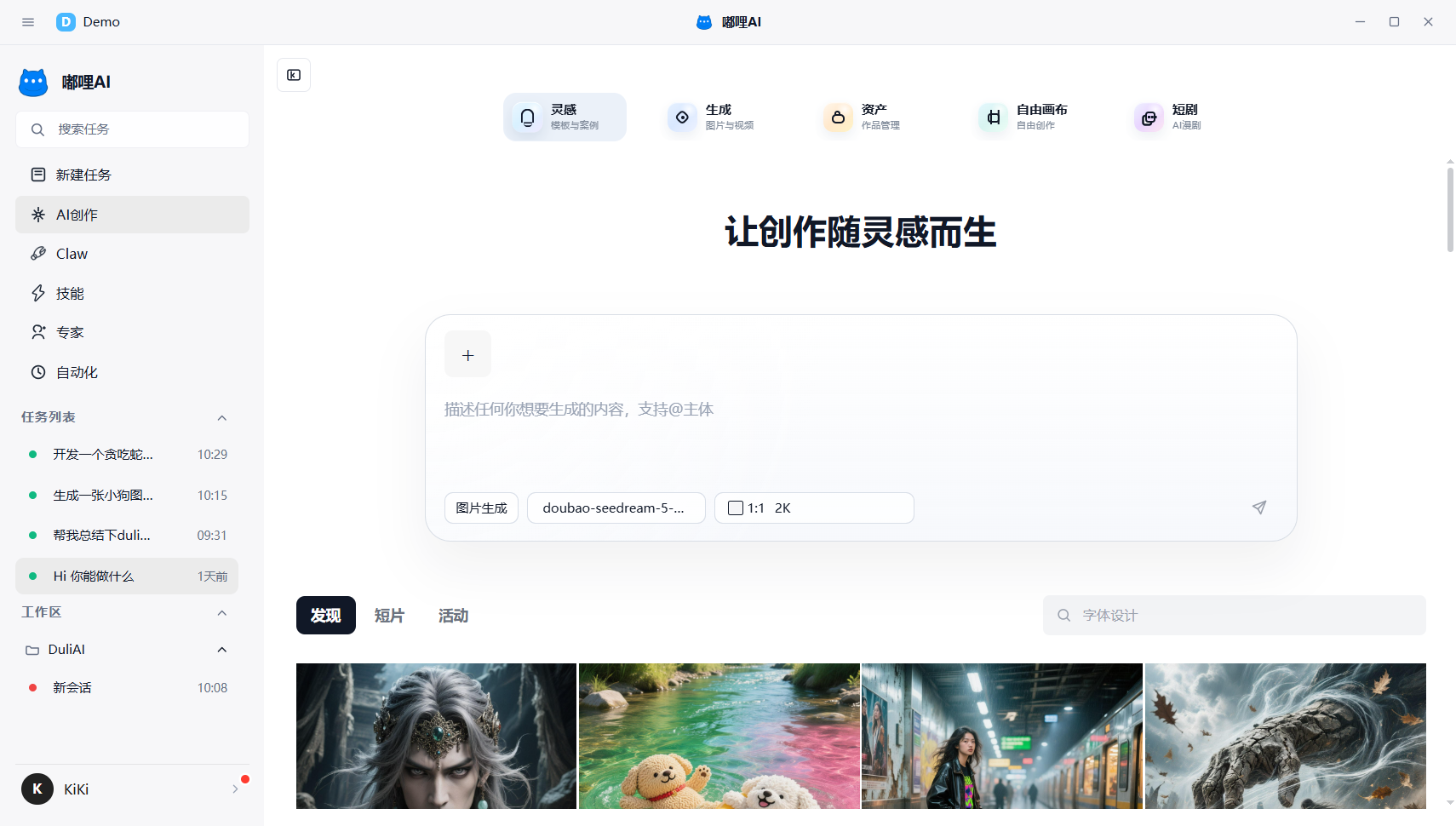
The AI Creation workspace is used for image, video, and AI short-drama related creation tasks.
1. What scenarios is it suitable for
You can think of it as a workspace that focuses more on content production. It is suitable for:
- Image generation
- Video generation
- Asset management
- AI short-drama project management
If you need to keep creating around the same batch of materials, or complete a full flow from inspiration to generation to project management, this is usually the place to do it.
2. Common usage methods
2.1 Start from the creation home page
After entering AI Creation, choose an appropriate entry according to the current need, such as inspiration, generation, assets, free canvas, or short comics, and then continue into the matching page.
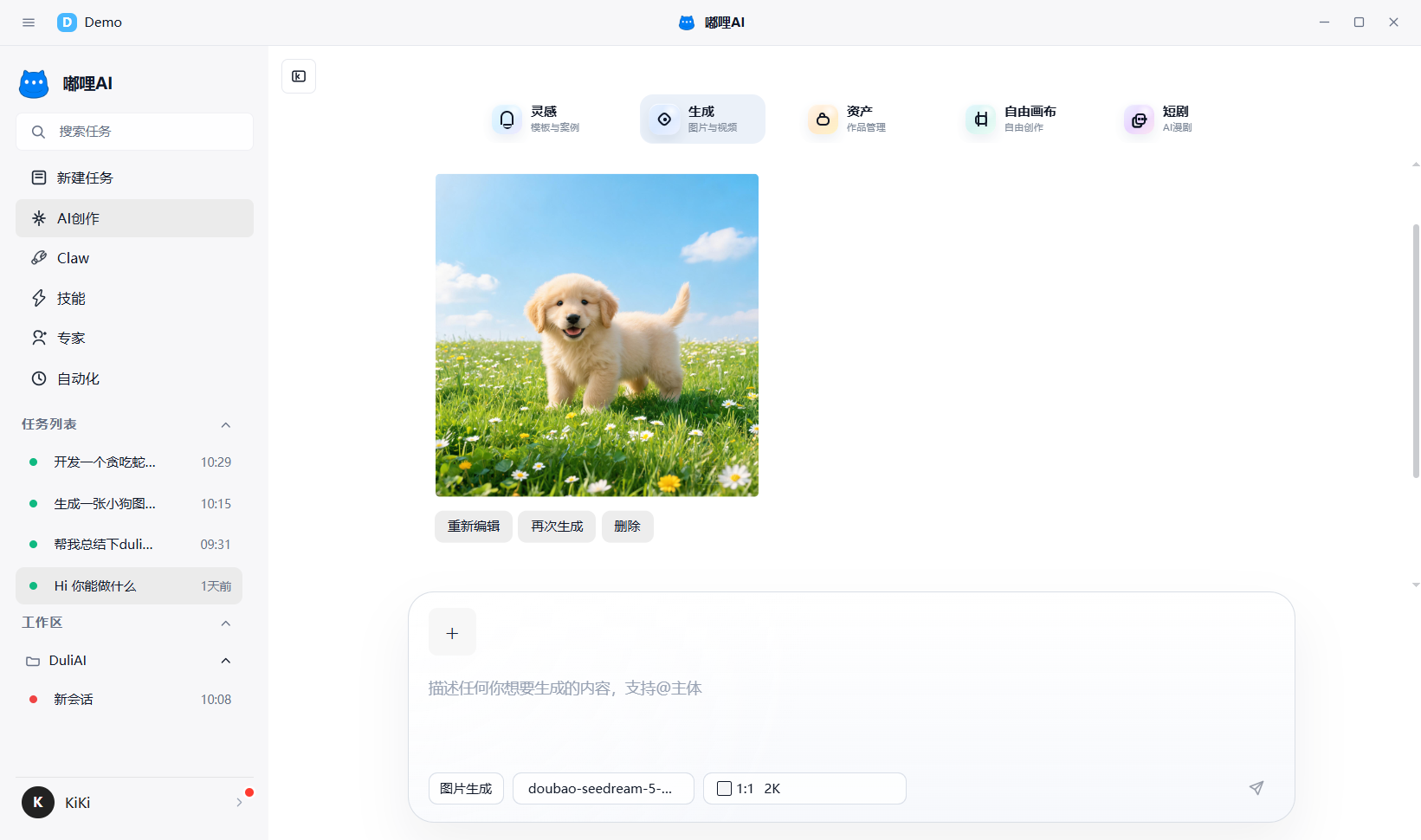
2.2 Generate images or videos
If your goal is to quickly produce images or generate videos, describe the requirement on the home page, then select a suitable model, aspect ratio, or source material to begin generation.
2.3 Manage assets
If you already have creative materials, use the Assets entry to review and manage existing images, videos, or saved content in one place.
2.4 Enter an AI short-drama project
If you are working on continuous plots, storyboard generation, or short-drama project management, enter the corresponding project within AI Creation and keep advancing around episodes, storyboards, roles, scenes, and project settings.
2.5 View and export results
After creation is complete, review and organize outputs in the results area, outputs area, assets area, or project page.
3. What does an AI short-drama project usually include
If you enter a short-drama project, it usually revolves around:
- Episode management: review current episode and storyboard progress
- Asset management: maintain characters, scenes, props, and other creative assets
- Project settings: view project basics and collaboration settings
This kind of project is better suited to continuous iteration and is not recommended to be split into many scattered projects.
4. Recommendations
- Focus on one creation goal at a time for better efficiency
- Keep important projects organized around centralized assets and outputs
- If the generated result needs further refinement, combine it with the conversation workspace
- For short-drama work, manage characters, scenes, and storyboards continuously inside the same project
5. Frequently asked questions
5.1 Should I use Generation first or Assets first?
If you want to start creating quickly, use Generation first. If you already have materials or need to organize creative resources first, use Assets.
5.2 What is the relationship between AI Creation and AI short drama?
AI short drama is one project-style usage mode inside AI Creation. Images, videos, assets, and short-drama projects are all different entries under the same creative workspace.