







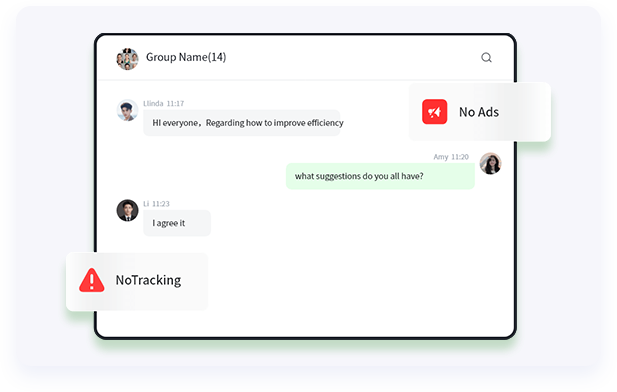
No ads, No tracking, No routines
There are no advertisements, no external network marketing, and no suspicious tracking programs in DuliDuli. Here, you can communicate with confidence and share instantly.
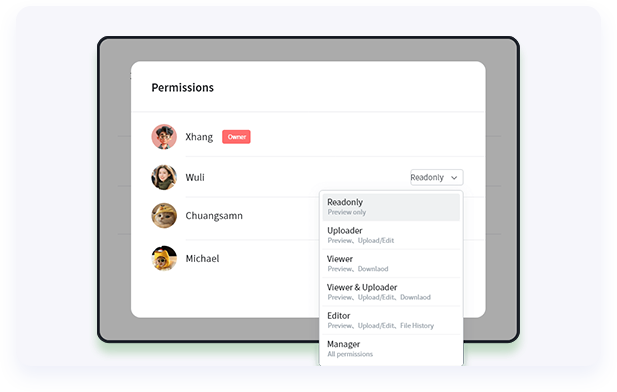
File Leakage Prevention
Enterprises can set up intranet - extranet access, terminal access strategies, and six - level data permission controls for previewing, downloading, sharing, editing, and management for files in chats, cloud drives, and applications. Combined with online previews of hundreds of file formats, files are not stored locally, effectively isolating potential security risks.
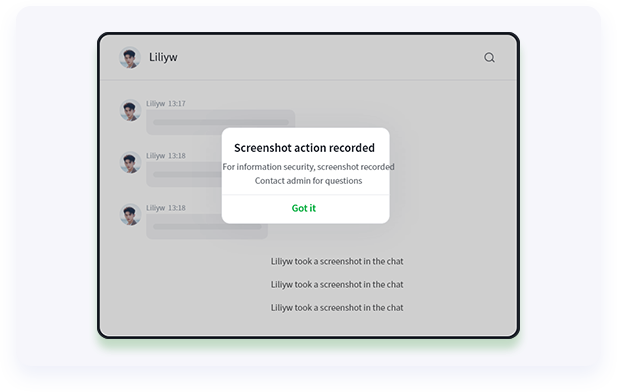
Screen Capture / Recording Control
Support prohibiting or recording members' screenshot/screen - recording operations in the client. Issue a warning when taking a screenshot to ensure enterprise information security.
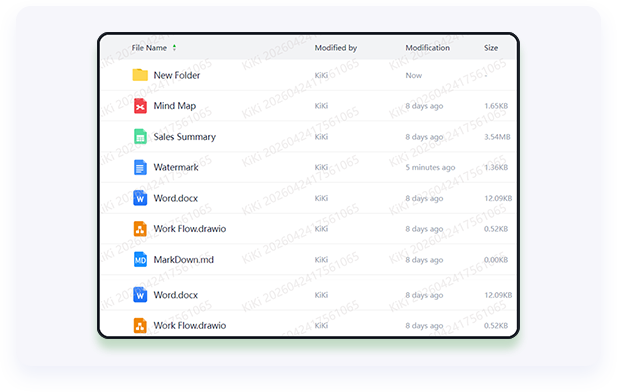
Visible / Invisible Watermark
Visible watermark: A watermark visible to members, which can cover scenarios such as chat, address book, document, and schedule display.
Invisible watermark: An invisible digital watermark. By analyzing the leaked pictures, the information of the leaker and the operation time can be restored.
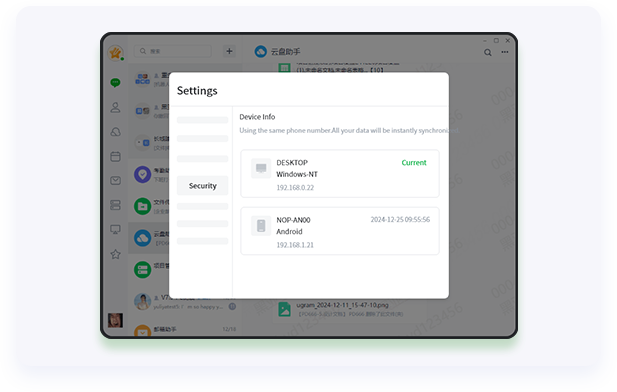
Device Management
Bind accounts and devices to prevent account hijacking and information leakage. When employees leave, remote locking and wiping of applications are supported.


