







Schedule management
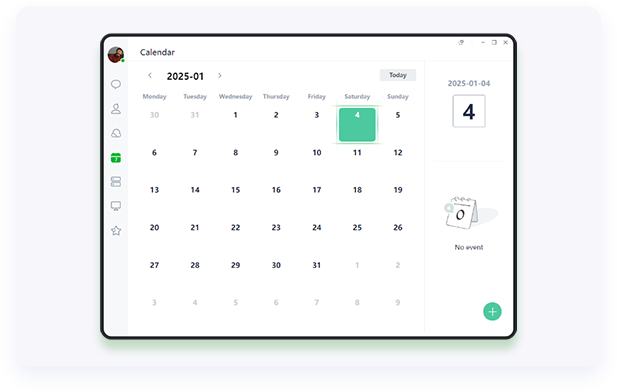
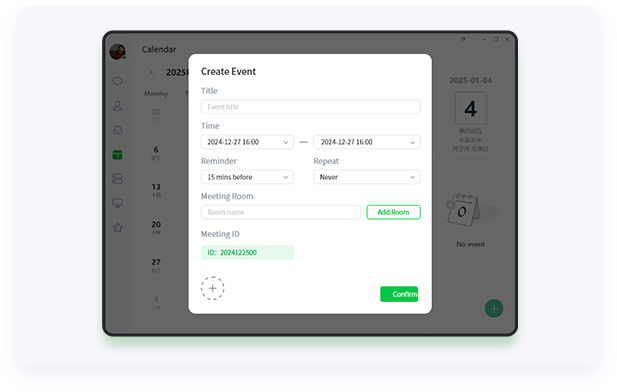
You can create and manage individual or team schedules, including meetings, events, etc. Users can set reminders, schedule event participants, and use the messaging function to send reminders and notifications to participants.
Visual schedule
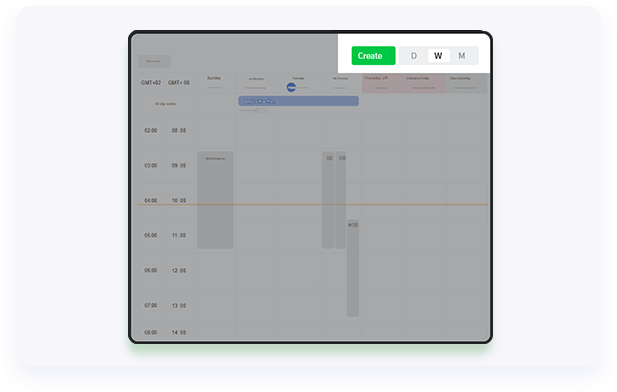
The calendar provides multiple view options, including daily, weekly, and monthly views, allowing users to clearly view their schedules. With these views, users can easily add, edit, and delete schedule items.
In addition, the calendar supports auxiliary time zone functions, making it easier for users to schedule their schedules when collaborating across regions.
Free and busy view
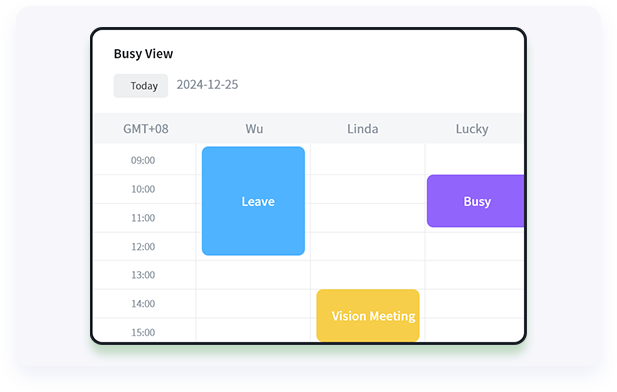
When inviting members or selecting meeting rooms, you can view the real-time status of members or meeting rooms to better coordinate work and time arrangement.
For the status view, users can hide specific item content, only show busy status, or not show specific items at all.
Converged video conferencing
Integrate video conferencing to achieve collaboration between online and offline, as well as cross-regional schedules, facilitate real-time communication, strengthen communication and improve work efficiency, and help enterprises and teams develop better.


